1Password browser integration fails occasionally with Waterfox
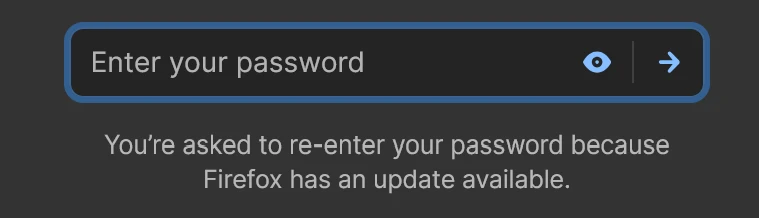
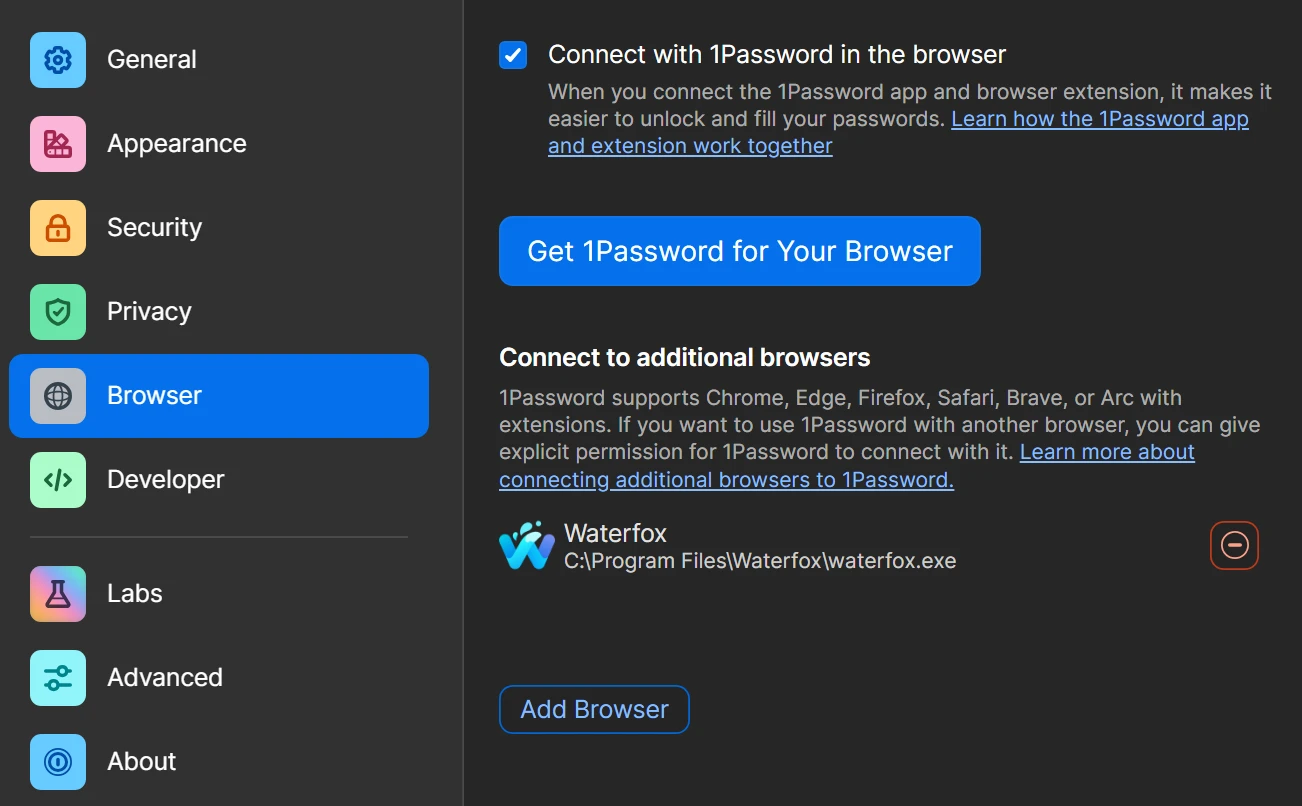
I use the Waterfox browser on Windows. I configured the browser integration in the Windows client as pictured below. For the most part, it works fine, but occasionally after I restart the browser for an update, the integration between the 1Password browser extension and desktop app seems to fail and I get the “you’re asked to re-enter your password because Firefox has an update available” message pictured below. However, the browser itself is up to date (as mentioned, this ironically often happens after a browser update). The integration status shows “connection problem” when this is the happens.
If I choose the Add Browser option in the 1P desktop app and browse to the same path that’s already listed there (C:\Program Files\Waterfox\waterfox.exe), it fixes the integration without needing to restart either the browser or the desktop app.
Browser extension version 8.12.44.33
1Password for Windows 8.12.44 (81244033)