johnnygoodface
August 13, 2026

1Password for Safari doesn't prompt to autofill

  • August 13, 2026
  • 9 replies
  • 31 views

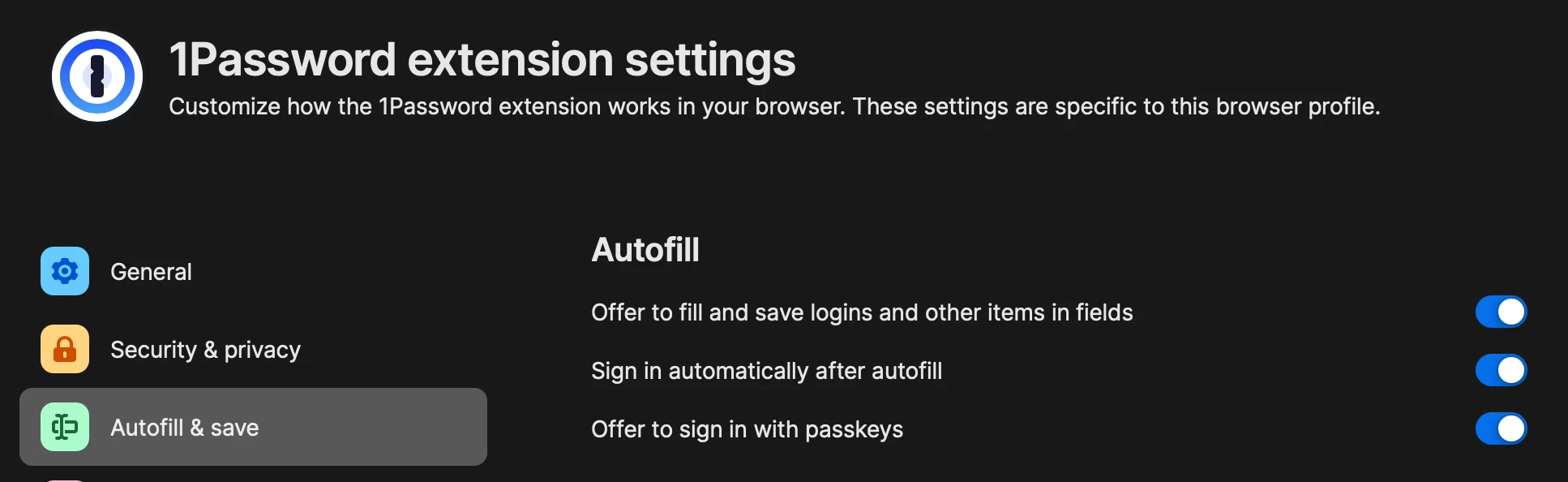
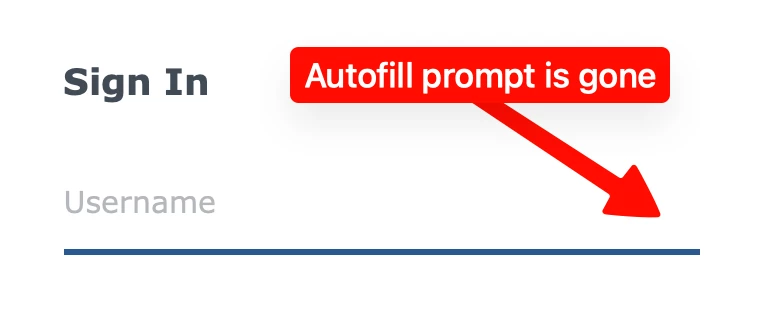
Ok Now that I’ve installed 8.12.33 and reboot, 1Password doesn’t prompt to autofill anymore (see below) even though my 1Password settings for the extension are correct.
 

    9 replies

    1P_Dave
    1Password Employee
    1Password Employee
    August 13, 2026

    Hello ​@johnnygoodface! 👋

    I’m sorry that you’re not seeing autofill suggestions after updating, I’ve split your post into a new thread so that we can discuss this issue separately. As a first troubleshooting step, can you try the suggestions in this article: If 1Password isn’t working in your browser

    If those don’t work then, in the settings for 1Password in Safari, is the following option enabled: Show logins in autofill suggestions

    I look forward to hearing from you. 

    -Dave

    johnnygoodface
    August 13, 2026

    I’ve done all the recommended steps, no change. Also I can’t change the “Show logins in autofill suggestions” . Now unfortunately I won’t be able to help out further since I won’t have access to my Mac for the next few days. 


    markballou
    August 15, 2026

    @1P_Dave This was REALLY helpful. I could not for the life of me figure out why after enabling  the macOS AutoFill feature, and following the directions (I thought perfectly), I was no longer being prompted with logins/passwords in Safari. After following your link I realized that I must have missed this step.

    1. Safari > Settings.
    2. Select the AutoFill tab, then make sure User names and passwords is turned on

    Now the problem is, I’m not really happy with the implementation in Safari. I have some sites with multiple logins and with this new interface it only shows me one login. I don’t know what defines the login it chooses to show. Nor can you seem to change that and designate a default. So, if I have multiple logins for a website, I then have to select Other User Names/Passwords for [website], then select the login I need, which is tedious. The old implementation handled by the extension just gave you a drop-down, you selected the login you wanted and you were good to go. 

    I love tight integration with MacOS Autofill, it seems to handle pass keys bette too, and works with a variety of apps, but is there a way to have the logins show the way they use to in Safari without disabling the whole thing?

    For what it’s worth I’m running:

    MacOS: 26.6.1 (25G76)
    Safari: 26.6 (21624.4.5.11.5)
    1Password for Mac: 8.12.36 (81236021)
    Extension: 8.12.29

    August 13, 2026

    I had to turn off the native macOS autofill for 1Password, but now it works. This wasn’t a problem prior to the current Production release. Thanks!!

    August 14, 2026

    Same issue here. This only began after the mac autofill. I’m really disappointed here. This is a buggy untested rollout. First it broke all the extension integrations with the app, and now even after updating, while the extension integration works, the autofill is broken.