
September 1, 2026
Question

MacOS: No suggested username/pw (Safari)

  • September 1, 2026
  • 3 replies
  • 0 views

Mac is running 26.5.2, 1P Safari Plug in 8.12.34.34. IP. icon shown in toolbar.

This problem is Safari only, no problems in Chrome.

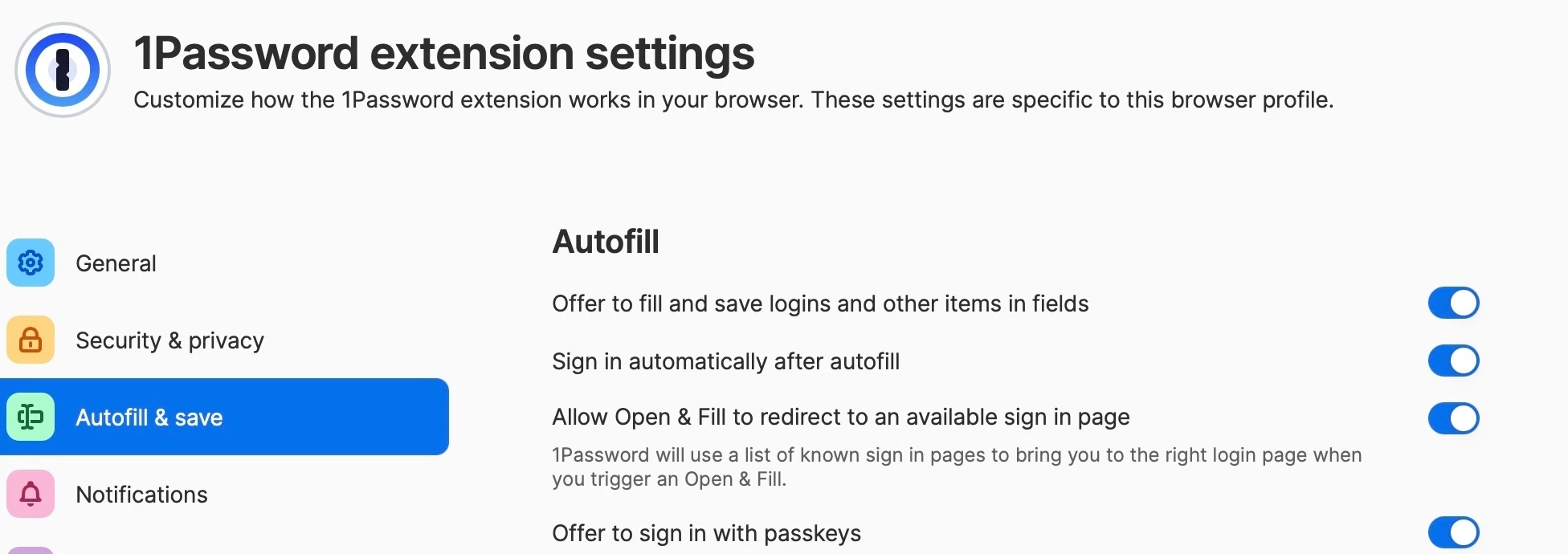
When clicking in a login/username field on any site, 1P does not display a login item next to (or below) that field. 

Workaround is to click on icon in toolbar, select Autofill. 
 

3 replies

September 1, 2026

Have tried restarting Mac, uninstalling / reinstalling extension. No difference.

ChrisC1P
1Password Employee
1Password Employee
September 1, 2026

Hi ​@boberonicus thanks for reaching out.

I’m sorry you’re not seeing autofill suggestions show below login fields on websites you visit. Can you try a test using our testing website to determine how 1Password is working there?

1. Navigate to this site -> https://autofill.me/form/login-simple
2. Manually type in a test Username and Password.
3. Click on 'Save in 1Password' from the autofill menu (directly under the login field).
4. Save the login in 1Password.
5. Refresh the webpage.
6. Click the Username field, and then click on your login from the autofill menu.


If you’re unable to complete those steps, can you take a screenshot of what you’re seeing when you focus the username or password fields?

  • Take a screenshot on your Mac
  • Please make sure that the screenshot shows your whole screen, but does not include any sensitive information, such as uncovered passwords.

Let me know if you have any questions.

September 1, 2026

Followed the steps above. New login item was created. But returning to login page, there is no prompt shown near username field. New login item is available if toolbar icon is clicked.