Oct 8, 2026 4:26 PM UTC
Solved

Safari 1Password Extension: Not seeing 1P icon in form fields

I kinda feel like I am losing my mind a little bit. I began using Safari again and installed the Safari 1P extension. Enabled it. Restarted safari and my laptop. I thought I ensured all the right settings are enabled to see the form field 1P icon, but I do not. And I can’t get it to show up. Can someone tell me what I am missing?


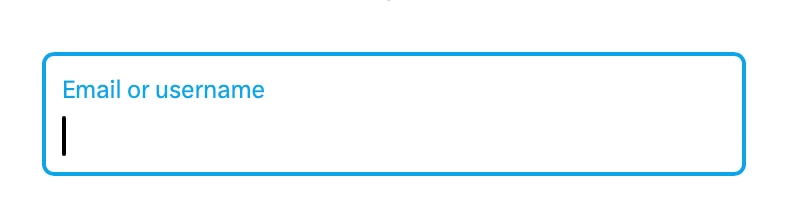
Note: I do see the 1P autofill banner come along and float at the top of the website, so that seems to be working. But I would also expect to see a 1P icon in this screenshot of Email or username field too. But I don’t.


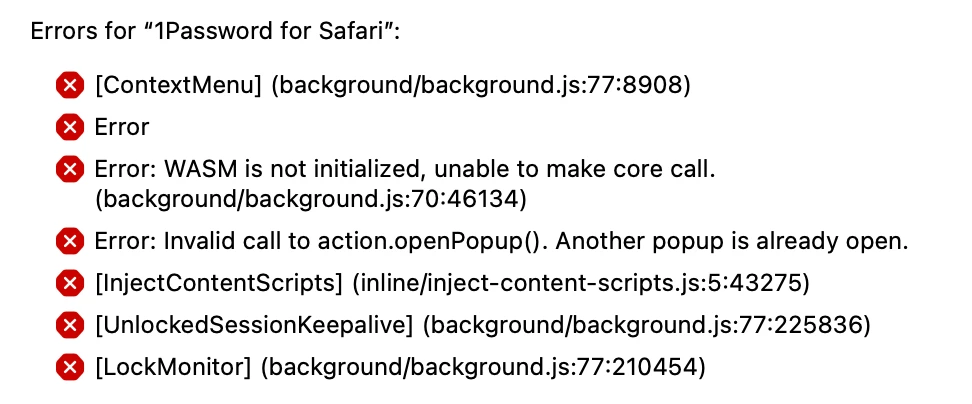
(Also, not sure it makes a difference, but I do see errors in the 1P Safari Extension settings, so I thought I would screenshot them here too)


Thanks.
 

OAWAnswer
Oct 8, 2026 6:18 PM UTC

In Safari, go to Settings - Autofill. Be sure the desired options are selected. I recently had this same issue and had forgotten I had turned them off as part of a functionality test.

3 replies

OAWAnswer
Oct 8, 2026 6:18 PM UTC

In Safari, go to Settings - Autofill. Be sure the desired options are selected. I recently had this same issue and had forgotten I had turned them off as part of a functionality test.

BW1PAuthor
Oct 8, 2026 6:49 PM UTC

Thank you ​@OAW . That may have done it. Just to verify, am I supposed to see a key icon instead of the 1P icon? I used to see the 1P icon in the past, if I remember correctly. Certainly on other browsers.


1P_Gem
1Password Alum
Oct 9, 2026 7:30 AM UTC

Hi ​@BW1P, thanks for posting! I’m glad to hear OAW’s suggestion may have helped.

The key icon you’re seeing indicates that you currently have native macOS AutoFill integration enabled, which replaces the usual 1Password Safari extension inline menu. You can read more about this (and how to turn it off if you’d like to return to the inline menu) at the link below:

Let me know if you have any questions!