July 12, 2026
Question

Use strong password in Safari on iOS

  • July 12, 2026
  • 1 reply
  • 16 views

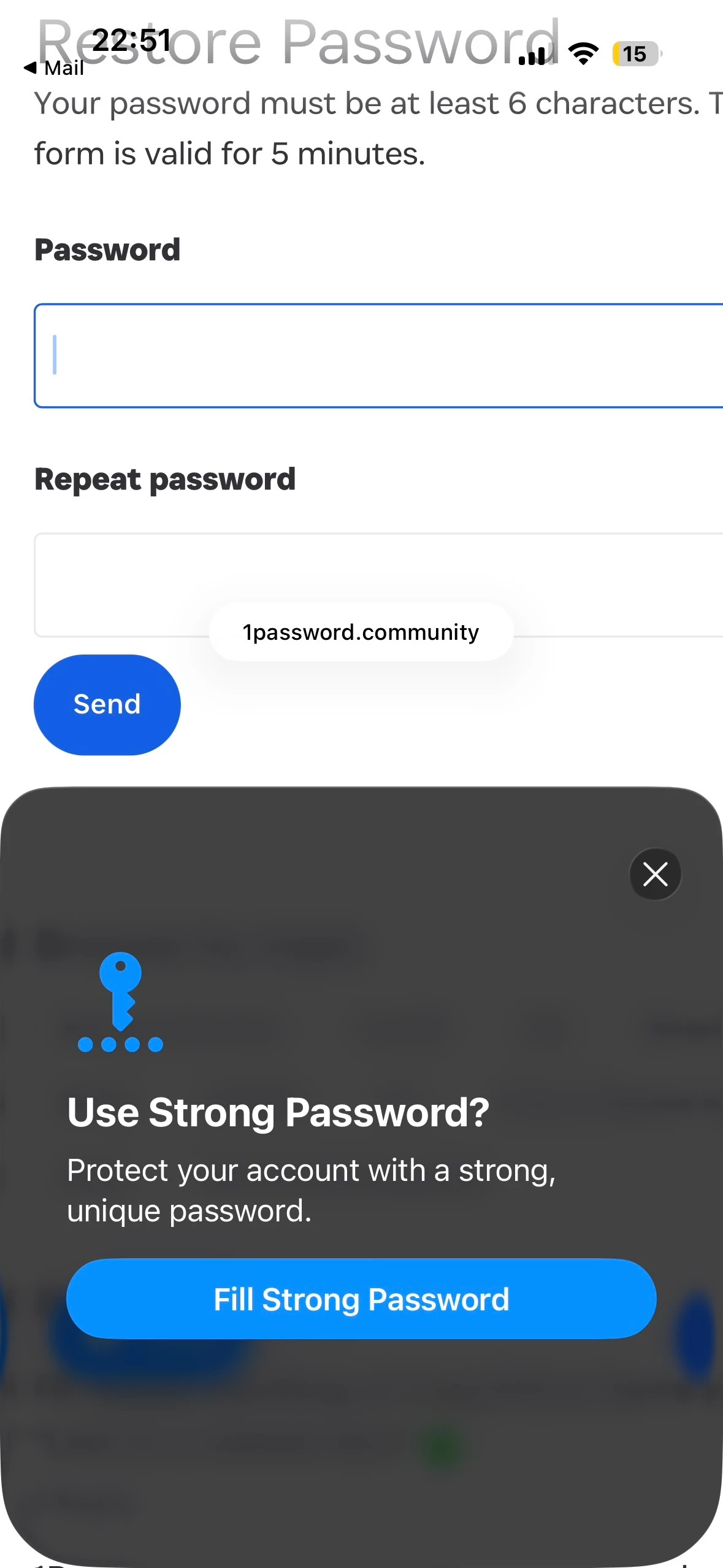
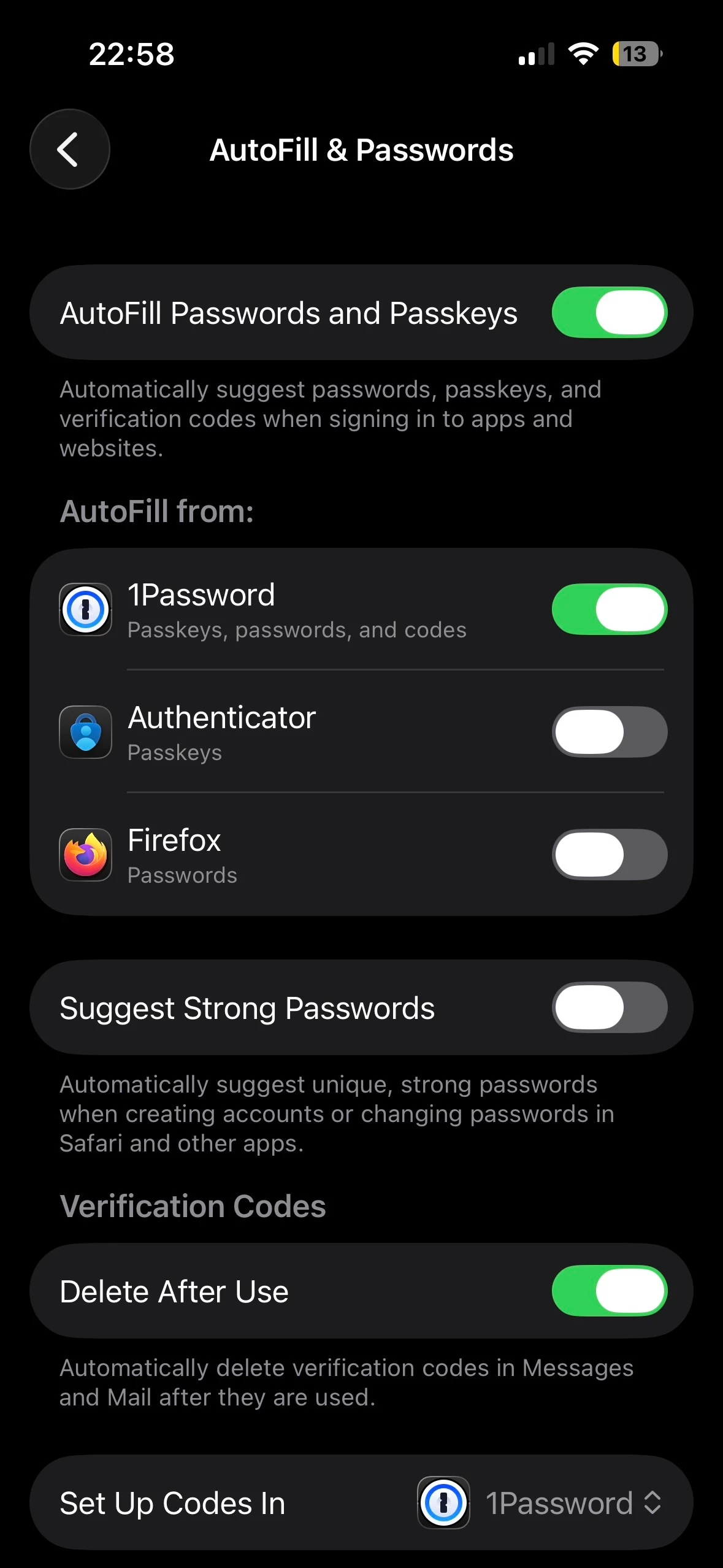
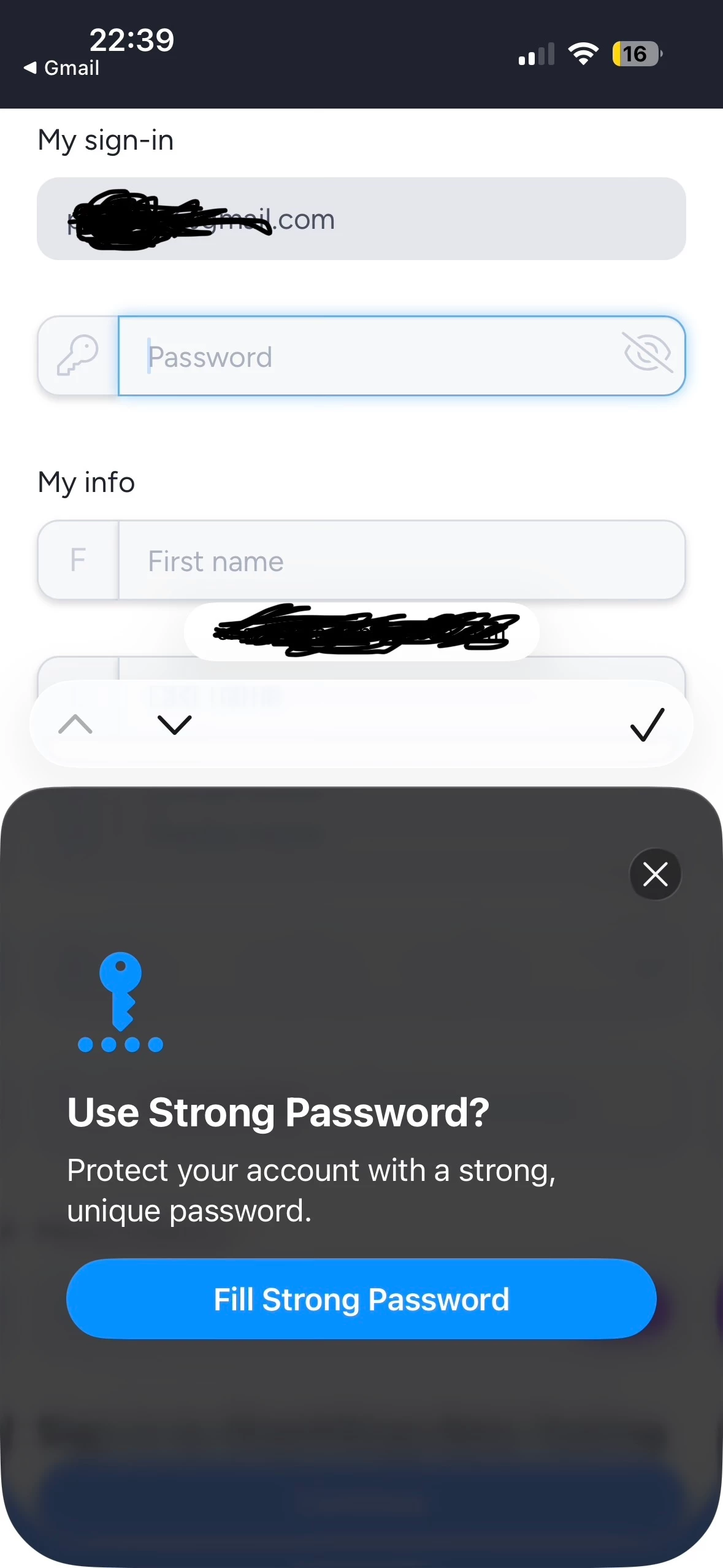
So lately I’ve noticed that when I need to pick a password, iOS would come up to prompt me to use a strong password like in the attached screenshots. 
 

Nothing however happens when I press “Fill strong password”. Is this even a 1Password prompt? I have to manually open 1Password and create a login. 
 

iOS version 26.5

 1Password for iOS 8.12.26 (81226040)


    1 reply

    Trevor_1P
    1Password Employee
    July 13, 2026

    Hi ​@buyanet,

    On iOS, 1Password makes use of the built-in AutoFill feature for filling and saving. I see from your screenshots that you have 1Password selected as your AutoFill provider, so while the prompt itself is from iOS, tapping Fill Strong Password should bring up 1Password.

    To help us further look into this, I'd like to ask you to recreate the issue, then create and share a 1Password diagnostics report from your iOS device:

    • https://support.1password.com/diagnostics/?ios

    Attach the diagnostics to an email message addressed to support@1password.com. With your email please include:


    - A link to this thread: https://www.1password.community/1password-at-home-31/use-strong-password-in-safari-on-ios-25049
    - Your forum username: buyanet

    You should receive an automated reply from our BitBot assistant with a Support ID number.  Please post that number here.  Thank you!