Hello @estrobink! 👋
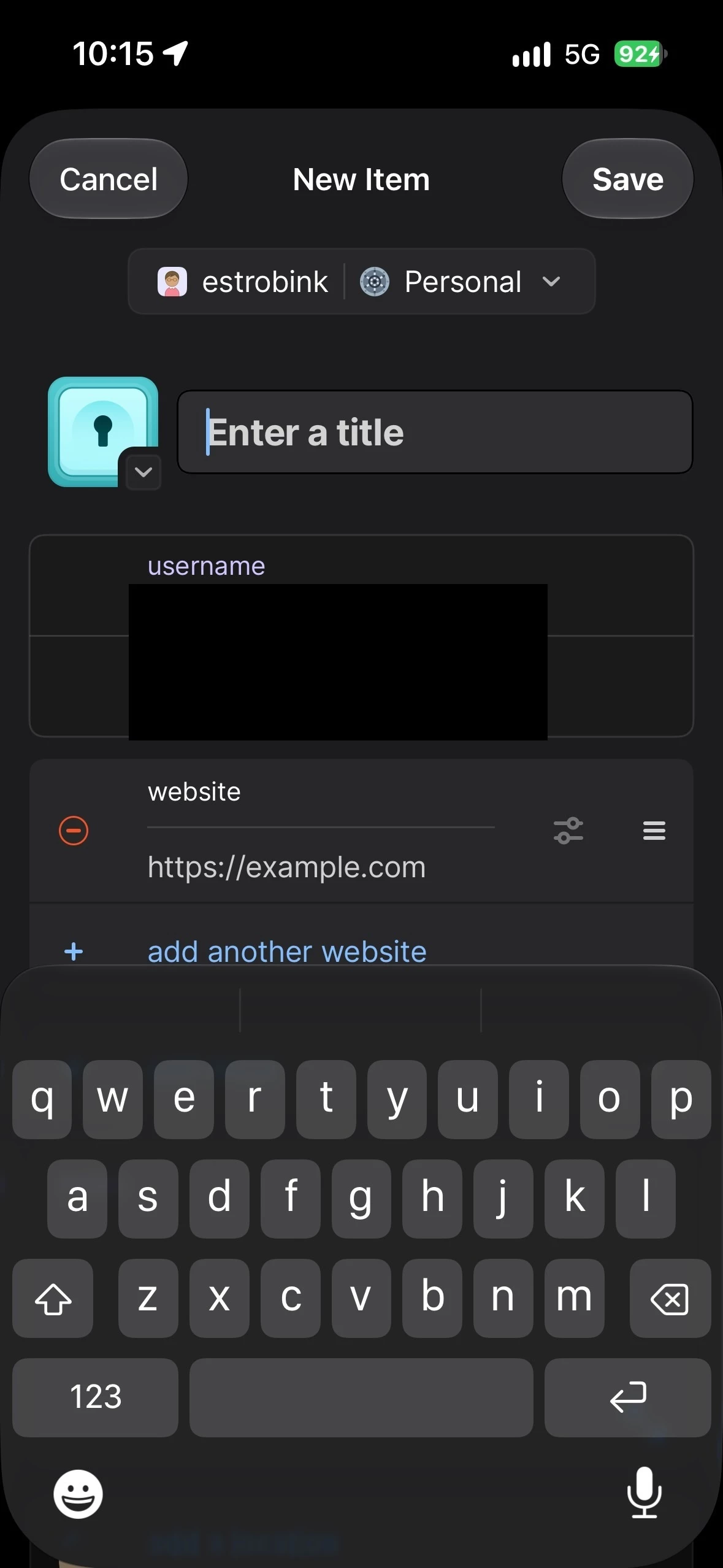
When you create a new Login item, 1Password will now automatically fill your email address in the username field and generate a password. Username suggestions are based on the vault that you’re creating a new item in and are suggested based on frequency of previous use in that vault.
You can turn off the prefilling of usernames with these steps:
- Open and unlock 1Password.
- Tap the icon for your account or collection at the top left and choose Settings. (If you’re using an iPad, tap your account or collection at the top of the sidebar.)
- Tap General.
- Turn off “Prefill username when creating a new login”.
The password that’s filled is entirely random and not used anywhere else. If you’d like to generate a different password then tap on the password field and then tap Create a New Password.
I hope that helps!
-Dave