


Manage secrets in Cursor without exposing them
When an AI coding agent runs against production APIs, databases, or infrastructure, any credentials sitting in .env files or hardcoded in a repo become a much bigger risk that can quickly multiply. The agent reads them, they pass through the model's context window, and tracking what was accessed, and by what, becomes nearly impossible.
That's why we’ve worked with Cursor to bring the 1Password Environments MCP Server to Cursor Marketplace. Cursor developers can now discover, vault, and configure secrets managed by 1Password, without the agent ever seeing the values, directly within Cursor workflows. The local MCP Server is packaged as part of our Developer Tools and available to all password manager users.
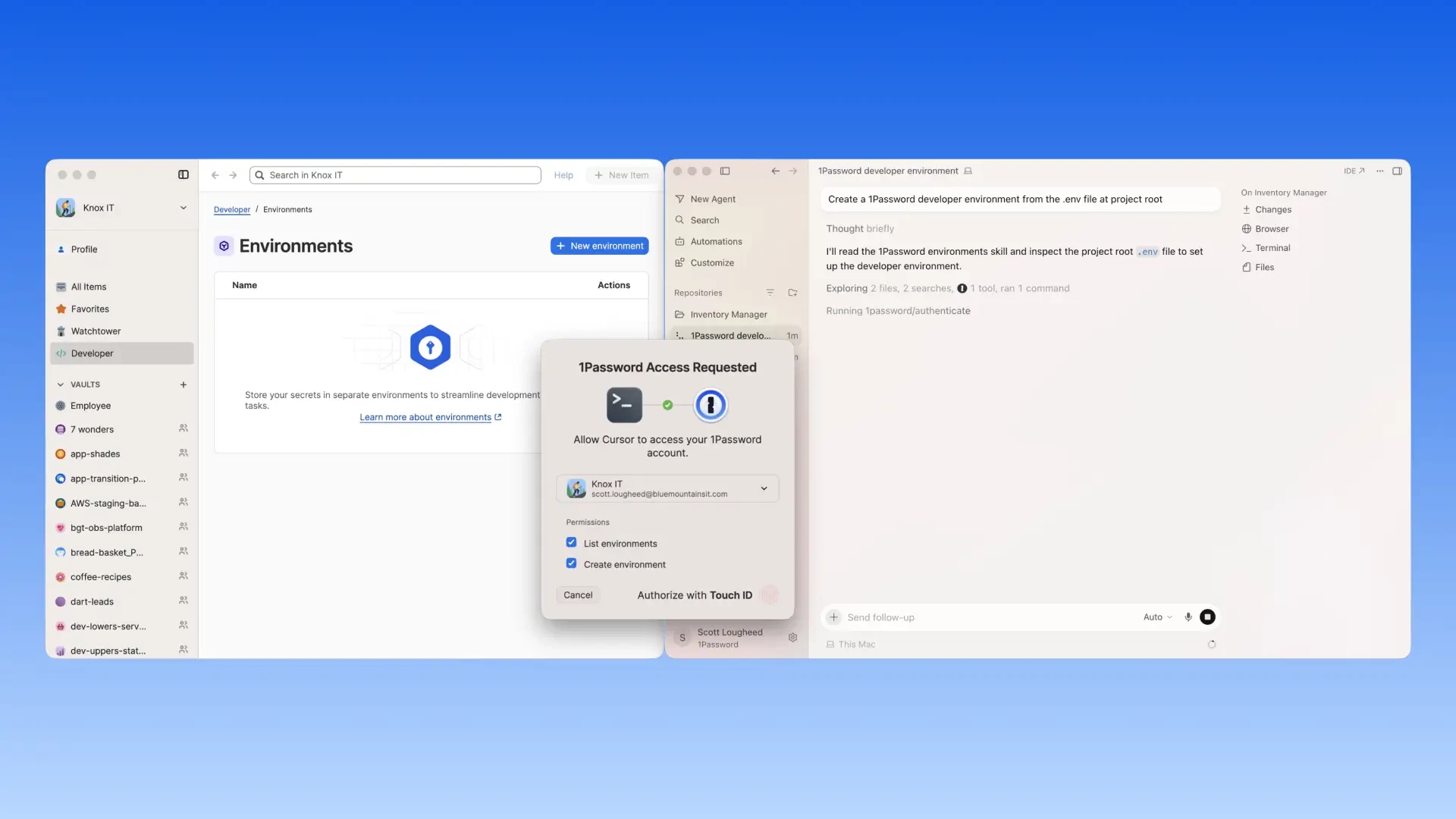
How the 1Password Environments MCP Server works:
- Ask Cursor to create and configure your development environment, with secrets managed by 1Password. Run your application with credentials injected at runtime rather than stored in plaintext .env files, all without leaving Cursor.
- Bootstrap new projects with 1Password-managed environments so you do not have to create or share .env files.
- Let Cursor create and update environment configurations so your code runs with the right setup, while underlying secrets stay in 1Password.
- Stay in control of every access, since each interaction with 1Password through Cursor requires explicit user approval via a local auth prompt.
Under the hood, once a secret is stored in 1Password, the MCP server returns names to the agent and the agent never sees the secret value. At runtime, 1Password injects the required credentials directly into the application process through a local FIFO, where they exist only in memory for the authorized process.
Currently available for macOS and Linux. 👉 Read our full blog post to see how it works and get started with the 1Password Environments MCP Server on Cursor Marketplace.