


Developer newsletter: April 2026

Hi, friends 👋
It’s been a busy time for 1Password. We just wrapped up a big week at RSA Conference – one of the most important events of the year for security – and developers were at the heart of the story we told there.
Just before RSA, 1Password announced a series of game-changing product releases, including 1Password® Unified Access, Automated Provisioning, and the Users API for Partners.
We’ll cover the most important parts of those announcements below, as well as upcoming 1Password events and community highlights.
Enjoy! ☕
Want to get 1Password developer updates straight to your inbox? 📥
Sign up for the developer newsletter.
1Password Unified Access: Now available
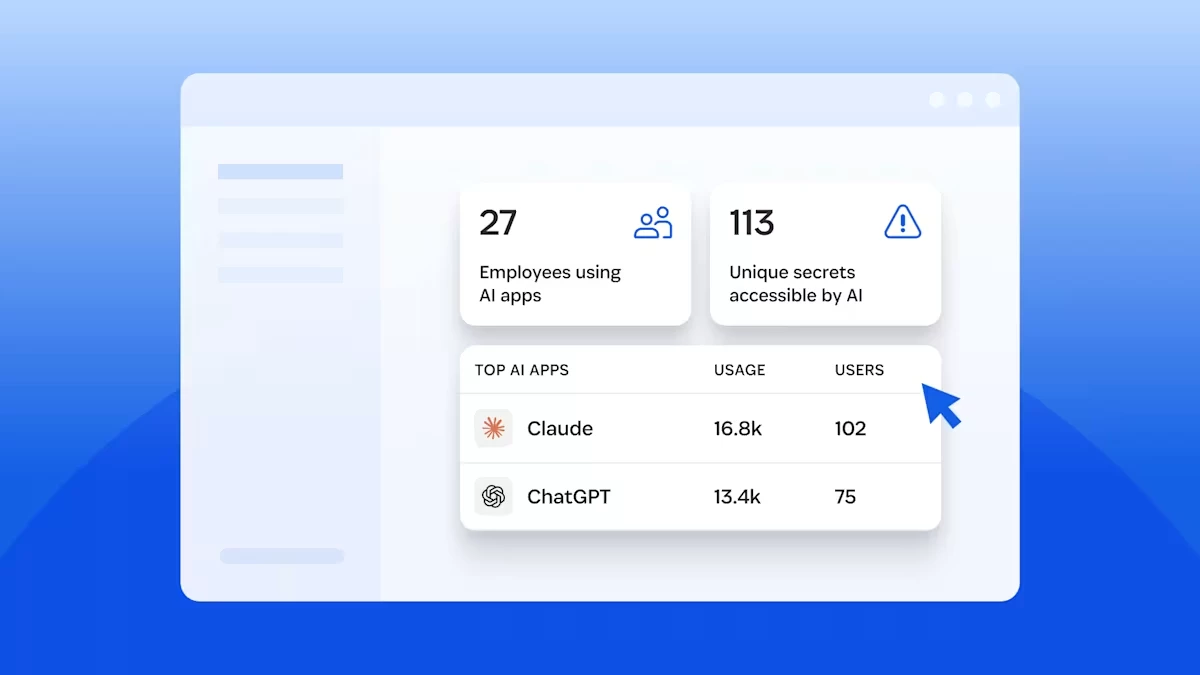
Many developers are using AI agents to boost productivity, but they’re often making critical security compromises along the way.
Unified Access is a new way to discover, secure, and audit access across humans, agents, and machine identities. It provides “just-in-time” access for agents, and eliminates the plaintext exposure of credentials and secrets.
Head over to our blog to learn how 1Password can help you work more securely with AI-assisted dev tools.
Automated Provisioning by 1Password (no more SCIM bridge)
If you’re the person who has to deal with setting up and managing a SCIM bridge for user provisioning, you’re in luck. Automated Provisioning is now available directly through 1Password.
No servers to deploy, no bridge to maintain, and no ongoing infrastructure burden.
Users API for Partners: Public preview
Security teams can now detect and respond to security risks faster with the new 1Password Users API for Partners. The Users API enables teams to build integrations for 1Password Enterprise Password Manager that automatically suspend user access when risk is detected, and restore access after remediation.
Learn more about the Users API and our new security automation integrations with tools like CrowdStrike, BlinksOps, and Elastic.
Upcoming webinar: Building secure AI-native development workflows
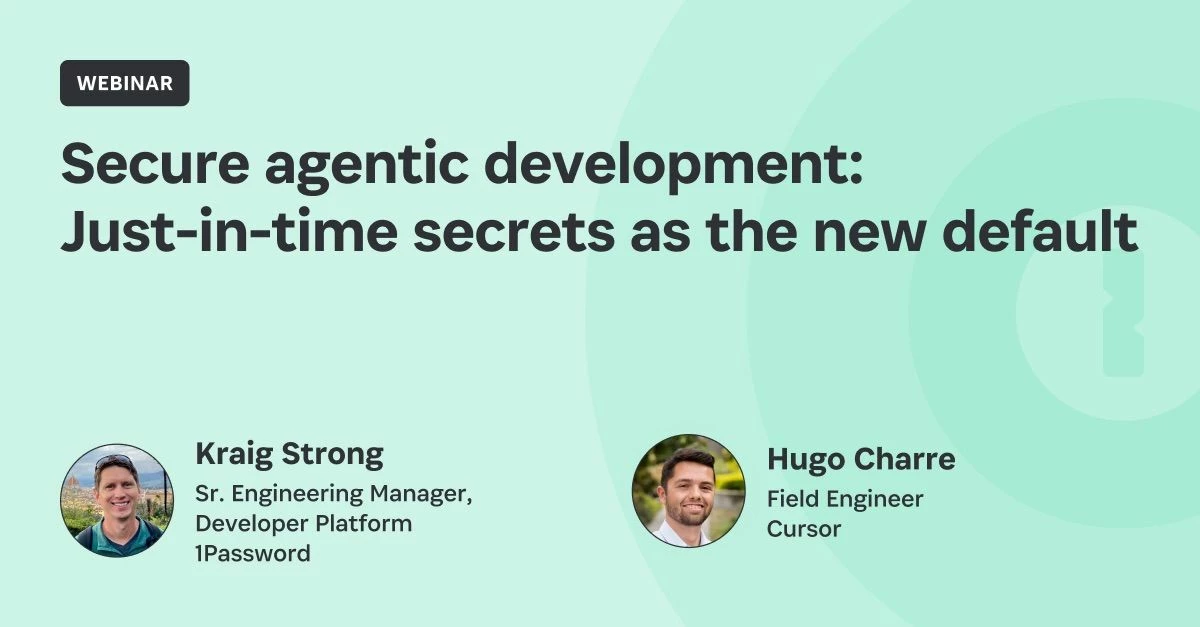
We’re hosting a webinar for developers to learn how Cursor and 1Password eliminate the need for hardcoded secrets. Learn how to code with just-in-time access, runtime injection, and secure, AI-powered development workflows.
Date: April 22, 2026
Time: 9AM PT/12PM ET
Sign up today to save your spot!
Sign up 👉
From the 1Password blogs

Secure MCP credentials with 1Password and Runlayer
1Password and Runlayer recently launched an integration to enable teams to store MCP credentials in 1Password. This allows teams to keep their secrets out of plaintext, resolve them only at runtime, and audit every fetch and rotation without exposing the secret itself.
Build on 1Password with LLMs
The 1Password Developer docs are now optimized for consumption by large language models (LLMs). If you’re building with 1Password and using AI tools, check out our new developer page for instructions on how to ensure your tools reference our documentation.
How 1Password secures agent architectures
In this blog, Jeff Malnick, 1Password’s VP of Engineering for Developer & AI, discusses 1Password’s commitment to enabling developers to use their preferred tools without needing to compromise on security.
“1Password is invested in building security into the systems that developers and every-day users leverage so the easy path is the secure path, regardless of what tool they’re using.”

Identity and accountability in the age of AI agents
Nancy Wang, CTO of 1Password, recently contributed to The End of Vibe Adoption whitepaper. In this blog post, she shares the main challenges related to AI security. If you’re not already thinking about AI agent access, visibility, and trust, let this be your sign to start.
Community corner
1Password agent hooks: GitHub repo and Cursor Marketplace
Check out our GitHub repo or the Cursor Marketplace plugin for 1Password agent hooks.
[Video] 1Password developer tools: SSH Agent, CLI & Watchtower setup
Mike Murphy walks viewers through how to enable and set up 1Password developer tools, including our SSH agent, CLI, Environments, Watchtower, and VS Code integration.
Do you trust your assistant? by Tim Searle
We love seeing developers question how to use AI assistants like OpenClaw without overexposing their credentials.
Don’t let AI read your .env files by Filip Hric
Now this is a headline we can get behind. Follow along in this tutorial to learn how to access environment variables stored in 1Password via the 1Password CLI.
Use 1Password in Windows with WSL2 dev containers by Jonathan Búcaro
Learn how to bridge the 1Password SSH agent from Windows into your containers using a network socket.
Join the 1Password team!
Love 1Password, coding, and cybersecurity as much as we do? Check out our job board and apply to one of our many remote technical positions.
Previous editions
Missed our last newsletter or just started subscribing? Read our recent editions on 1Password Community: