

Build faster, stay secure: A practical guide to safe vibe coding
You’ve heard the buzz: in the last year, AI has taken an agentic turn. Instead of simply chatting with you, tools like ChatGPT can now complete tasks on your behalf, dramatically expanding their impact.
One of the most powerful new agentic use cases is vibe coding. Rather than writing all the code for a new website or app from scratch, you delegate the task to an AI agent. With vibe coding, anyone can be a developer: people with no coding experience can create mock-ups and proofs of concept, or even ship complete projects to an app store or the open web. Vibe coding also enables experienced developers to ship higher volumes of code at greater speed.
But vibe coding comes with security risks. The same AI tools that help you build faster can also introduce vulnerabilities. So how can you get the benefits without putting your code at risk?
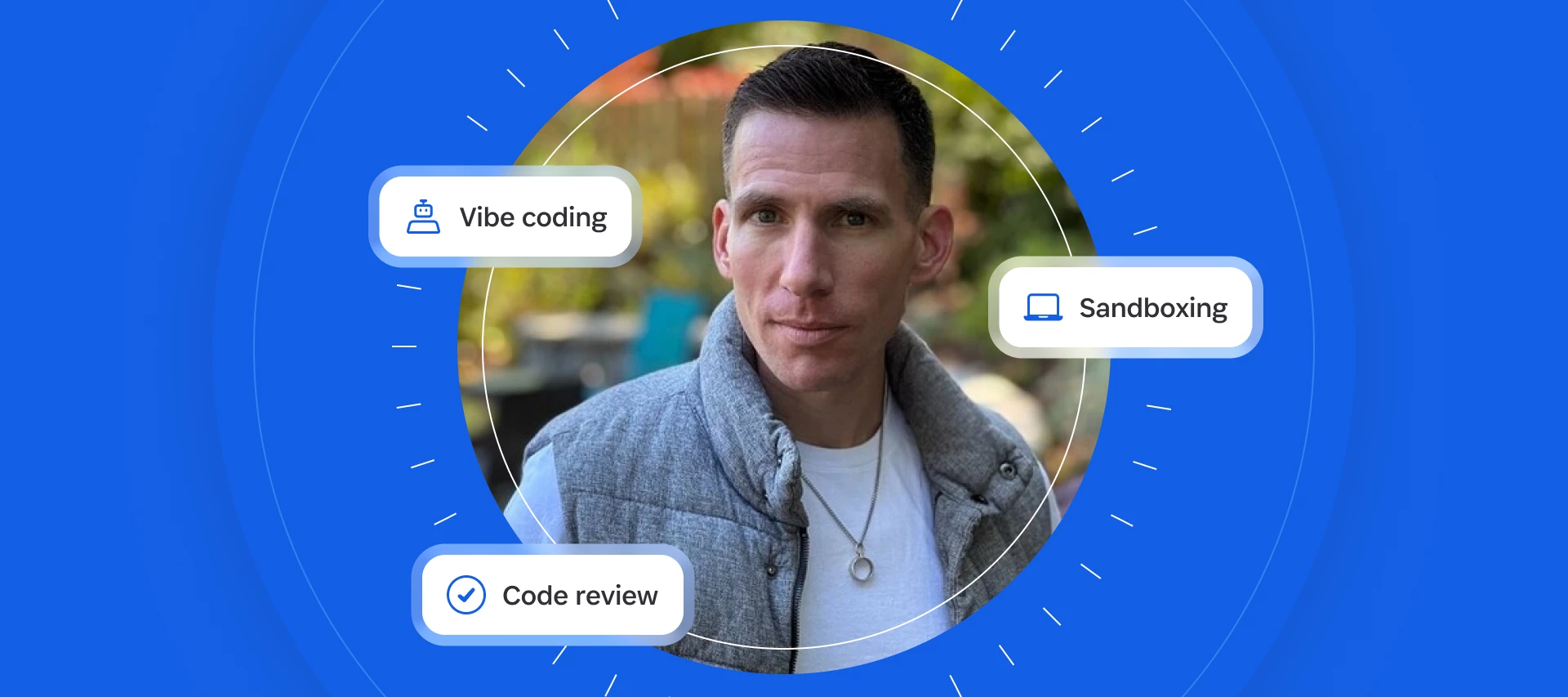
In a recent episode of Random But Memorable, Jeff Malnick, VP of Engineering, Developer & AI at 1Password, explained how vibe coding is changing software development. Read on to learn the security risks to watch for and how you can use AI to build software more safely.
For the full conversation, check out the podcast episode on YouTube.
Vibe coding is for everyone
Much of the conversation around AI-assisted coding has focused on what it means for experienced developers who learned to code the traditional way. But Malnick sees broader implications.
Vibe coding “democratizes the process of writing code and allows people to bring things to life that they wouldn't otherwise be able to,” he says.
For example, imagine you have an idea for a new product feature. The first step is to develop a proof-of-concept demo to show off its potential. Previously, you would have asked a busy developer on the software engineering team for help, who may not have had bandwidth for another task.
Now, the barrier to entry is lower: you can vibe-code a working prototype, complete with selectable buttons and spiffy animations, and quickly show the value of your idea.
In other words, everyone now possesses some ability to produce code. And while there are security risks that beginners should be aware of, that shouldn’t stop you from experimenting and learning.
Don’t YOLO with AI
With due respect to Drizzy, your AI-powered workflows are not the place to throw caution to the wind and live for the moment.
“Don’t YOLO with AI, first and foremost,” Malnick says. “It doesn’t matter what tool you’re using, just don’t YOLO with AI.”
Large language models are non-deterministic, meaning they don’t produce the same result each time, and you can’t always predict in advance exactly what they’re going to do. Without appropriate controls, this can result in unexpected expenses or general security mayhem.
This unpredictability means you need to be careful when working with AI. It’s similar to fixing a car for the first time. It’s helpful to learn these skills but you should also proceed with caution.
The good news: many AI tools will warn you before they do something risky – if you’re paying attention!
Pay attention to your AI tool’s notifications
Have you ever received a notification that your AI tool wants to access a sensitive data folder? Many coding assistants have built-in safeguards that give you a heads-up at critical moments.
When you receive these messages, it’s a good idea to pause and consider the security implications.
“Tools like Cursor and Claude Code have guardrails in place that alert you when they’re trying to get access to a directory that they don't currently have access to” Malnick says.
So, take a moment to ask: what could happen when the agent can view and act on the contents of that folder?
Data isn’t necessarily secure or secret just because it’s on your device
Before AI tools were commonplace, data stored on your devices was relatively shielded from the outside world. Classic security tools like firewalls and directory permissions prevented (and still prevent) random devices on the internet from accessing your information.
However, agentic AI significantly changes the situation.
Now, the same agent that can access documents on your local device can also communicate with the outside world, and without your specific authorization. Out there, the agent may also encounter untrusted content, such as malware or malicious text files that can manipulate the agent into sharing information you wouldn’t want it to.
Malnick says: “One of my colleagues described it as just walking out on the street and handing a perfect stranger your laptop.” When you give an agent access to folders like Downloads, Documents, and Videos, “you’ve basically given it the keys to your kingdom,” he adds.
That’s why it’s important to think about what information you want the agent to access, and restrict its ability to reach important files.
Use a sandbox environment
“If you need to operate on sensitive data, leverage a sandbox environment if you can,” Malnick suggests.
A sandbox is an isolated computing environment used to test experimental settings and code. It’s like a real, physical sandbox – a safe place to try things out, where destruction doesn’t matter.
It’s easier to give a tool access to everything if it’s operating in a sandbox without any sensitive data. So consider setting one up before letting your agents loose.
You can do this very simply: a dedicated laptop without access to your network is effectively sandboxed from the other devices you own.
In business settings, teams often use virtual machines (VMs) as isolated testing environments – malware researchers even use VMs to reverse-engineer dangerous strains of malware!
- If you’re on MacOS, you can create virtual machines using Parallels.
- On Windows, use solutions like VMWare Workstation Pro, Oracle VirtualBox, or Microsoft’s own Hyper-V.
- On Linux, try a combination of KVM and QEMU with virt-manager for your GUI.
If you use virtual machines for testing, make sure that they are fully isolated from your host device. Each virtualization platform above provides documentation covering the relevant settings.
Work on educating yourself
If you’re just starting out with vibe coding (isn’t everyone?), it’s a great time to learn the fundamentals of security.
“If you're a non-technical person and you're picking up these tools, that's awesome,” Malnick says. “Keep digging in. But also work on educating yourself. It's a different world. You don't need to be a principal software engineer with 30 years in the industry to understand the basics of security.”
To start, check out the OWASP Top 10, which outlines the most critical web application security risks. Also, “understand what the Lethal Trifecta is,” Malnick recommends. “Understand how to mitigate that in the stuff you’re building. Your security team will thank you for it.”
And if you're ever unsure how to proceed, ask someone you trust for help! A trusted co-worker, friend, or developer community can provide advice.
Here are a few more ways you can continue your learning journey:
- Read the 1Password blog
- Subscribe to the Random But Memorable podcast
- Ask questions in our Community forum and Developer Slack
Explore 1Password developer tools to vibe code securely
Some good news: if you use 1Password, you already have tools that can help you (and your agents) code more securely.
Malnick explains: “Our Environments feature in 1Password allows you to replace a cleartext environment file that's written to disk with, essentially, a FIFO pipe. So it looks like a file. Once it's stored in 1Password, if another process tries to open it, 1Password tells you exactly which process is trying to open it. And you have to give it a biometric to approve access to that file.”
There’s more to come, too. “We're in the process of building out a lot of different capabilities for hard-coded policies we can put in place around those environment configurations,” Malnick explains. “So you can say: this agent, and this human with these agents, can get access to this thing, for this amount of time.”
For more, check out these resources:
- 1Password Developer quickstart
- 1Password Environments
- 1Password blog: Introducing 1Password Credential Broker
Take a risk-based approach to AI code review
It’s important to check the code your AI agents generate, whether you’re working on a passion project or a massive multi-team initiative.
But if you’re generating 30,000 lines of code per day, you can’t review everything yourself. So use AI review for low-risk areas, and save your review for the really sensitive code.
“I think for the strong, strong majority of cases, we want AI to be the reviewer, and we need to make it so that that AI review actually pulls the human in for really sensitive topics if it finds something,” Malnick says.
That doesn’t mean humans are obsolete, though: “The human is more valuable than ever because they’re responsible for reviewing the most valuable and risky parts of the code base.”
Not sure what is and isn’t high-risk? Err on the side of caution. As you build your skills and knowledge, you’ll gain a better sense of which risks require careful human review.
Vibe coding doesn’t replace original thinking
LLMs are powerful, but they can’t replace your own thought processes and judgment.
“There's still very much a place for humans to practice good judgment and original thought,” says Malnick, “and bring those ideas to life and maybe add a little extra spice to what they're building.”
So use the agent to draft ideas and generate code, but stay in the captain’s chair for the higher-level decision-making.
Move fast and (try not to) break things
It’s clear that vibe coding and agentic AI are already having a transformative effect on the software industry – even broadening who gets to participate.
The top-line takeaway is to be curious, and don’t let a lack of experience prevent you from diving in and experimenting.
At the same time, balance speed with security: ensure appropriate guardrails are in place, learn what it takes to vibe code securely, and use appropriate tools to contain the powerful agentic capabilities of today’s models.
Good luck on your vibe coding journey!
Do you have questions or tips about vibe coding? Share them in our forum thread!