


Business product updates: September 2026

“Work smarter, not harder.” That phrase is a cliche for a reason, but the principle hasn’t always been easy to achieve in cybersecurity. Security has to introduce some friction by design; security and productivity are inherently at odds… right?
This month, 1Password continues our mission of challenging those assumptions. This newsletter is full of stories about how security can enable productivity. You’ll learn how 1Password is reducing manual work for EPM admins, improving our autofill and phishing prevention, and enabling secure AI workflows. Don’t take our word for it; there’s also a case study sharing how the team at Everway is actively saving time and effort during their 1Password journey.
Dive in and learn how your security program can work smarter!
451 Research report: How agentic AI is redefining identity security
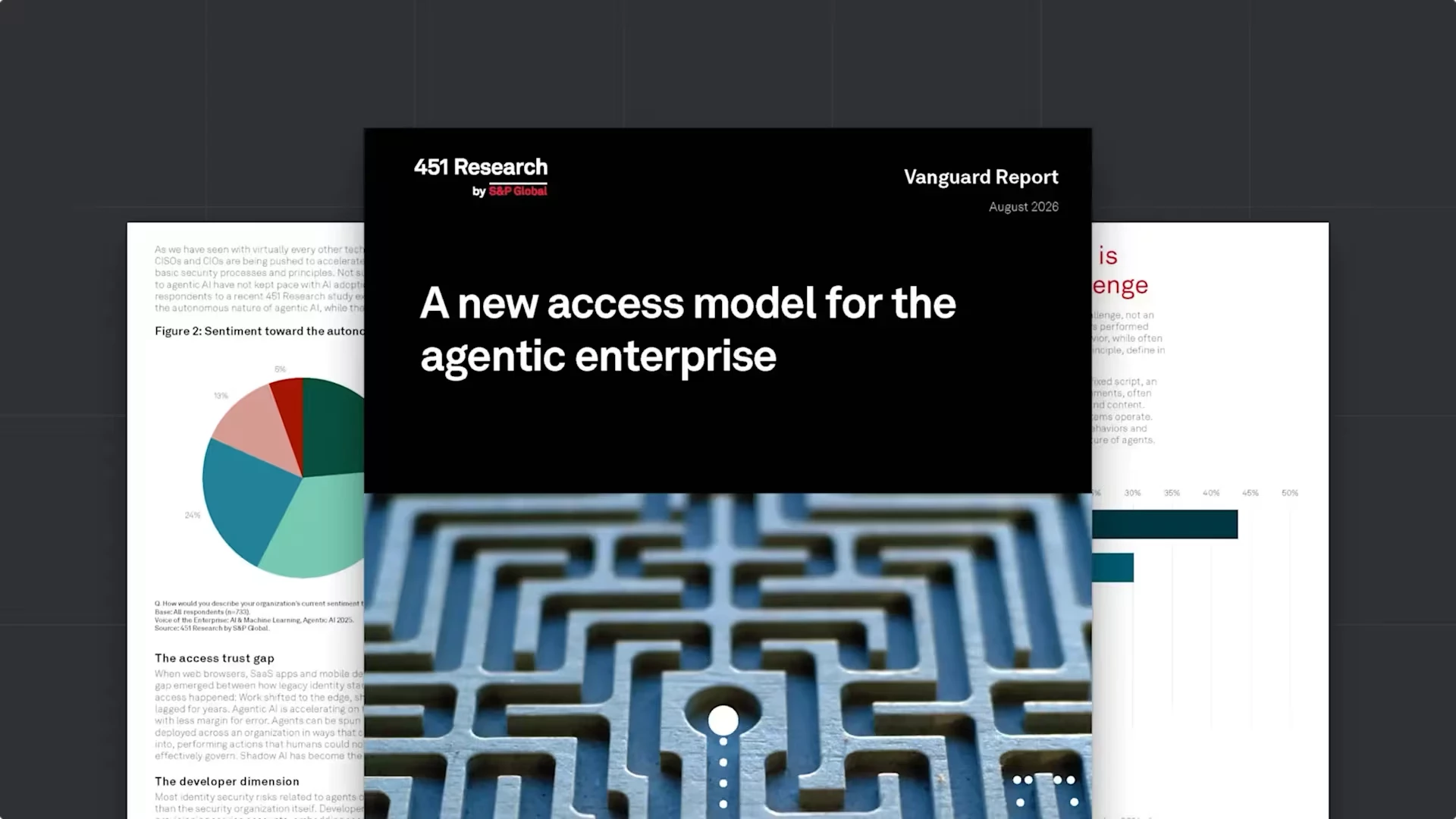
AI agents are transforming how work gets done, but they’re also changing the way organizations think about identity and access. Explore insights from 451 Research on why traditional security approaches fall short in an agentic enterprise, and discover practical guidance for managing and auditing access for humans, machines, and AI agents.
“1Password SaaS Manager is my favorite part of the 1Password journey. It’s saved us significant time, money, and resources.” - Joe Mailey, Senior IT Manager at Everway
Product updates
Fewer lockouts, less manual work: What’s new for 1Password EPM admins
Multi-Tenancy and Automated Provisioning now work together, so enterprises linking accounts by subsidiary, region, or acquisition can provision and deprovision users automatically across those linked accounts.
In addition, Vault Migrations lets you copy a shared vault from a parent account to one or more child accounts in a single workflow, so newly linked accounts are ready to use from day one. And, since an expired Entra ID client secret can lock an entire organization out of 1Password, Entra ID Secret Expiration now tracks expiration dates for you, and sends escalating reminders with a guided rotation flow in the Admin Console
Smarter autofill, phishing prevention, and more
1Password has redesigned its phishing prevention experience with a smoother interface and smarter risk assessment. It checks the site you’re visiting against a curated, growing list of 50,000 verified URLs. It warns you when a site is unrecognized, indicates when a URL is verified, and lets you save trusted URLs to items for smoother future sign-ins. This gives you clearer guidance before entering your credentials.
Universal Sign-In
Universal sign-in is a new experience from 1Password that provides a seamless and secure way to sign into any site with your preferred method. 1Password displays a single prompt to sign in using the authentication method you’ve chosen for that website. There’s no need to remember how you’ve logged into the website in the past; passwords, passkeys, one-time codes, social logins, and company-managed apps are all accessed through the same intuitive prompt.
Help your team get set up across devices with a new policy
Today, admins can use the Guided setup policy to prompt new team members to import passwords from another provider. In the near future, we’re expanding this policy to help employees get set up across devices. New team members will be prompted to download the 1Password desktop app by default; admins can choose whether to then prompt them to also download the mobile app.
You can turn each step on or off at any time under Policies → Sharing and permissions → Guided setup.
Moving to Unlock with SSO just got easier
We’ve made moving your organization to Unlock with SSO even easier. Employees can now reconnect their 1Password apps with a simple, few-click approval flow. No verification code needed. It’s a faster, more seamless migration experience, and we’ll continue expanding it across the 1Password platform.
AI-assisted navigation in SaaS Manager. Get to the report faster.
Finding the right report within 1Password SaaS Manager report is easier than ever. With new AI-assisted navigation in Public Preview, admins can ask questions in natural language and get directed to the right report, workflow, or view, increasing usability in navigating menus and filters.
Help others discover 1Password
Share your experience with 1Password Enterprise Password Manager on G2—anonymously if you’d like—and guide organizations in choosing the right security solution.
Webinars
Learn with the experts

Have questions about using 1Password? Join our live Office Hours, hosted by our Customer Success team. These casual, interactive sessions are a great way for admins and end users alike to learn best practices and ask questions in real-time.
Register for an upcoming session
Standing access is the problem. AI agents just made it worse
Standing access, unmanaged credentials, and developer secrets can create hidden risks that become even greater when AI agents inherit the same permissions.
In this on-demand webinar, learn where organizations are most exposed, how to gain visibility into AI tools and what they can access, and why zero standing privilege with just-in-time access is the governance model for a more secure, agentic enterprise.
What’s new? 1Password security spotlight & product review
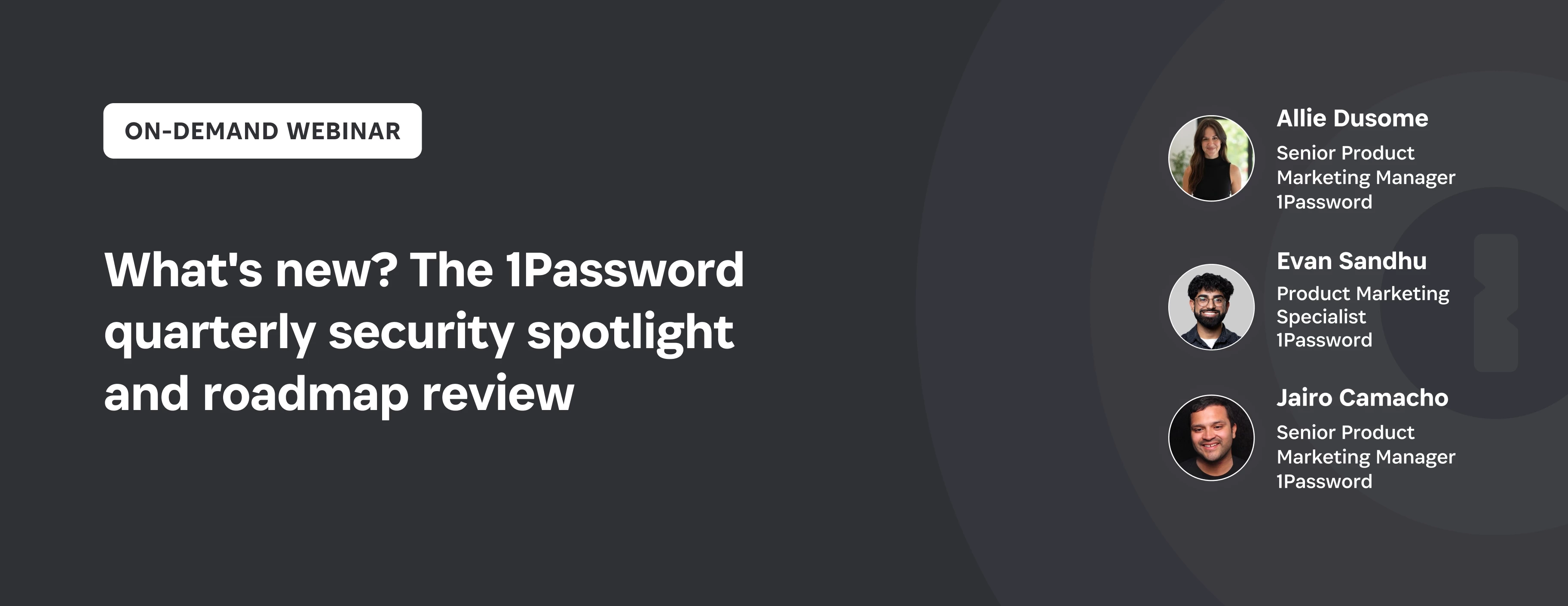
This quarter, 1Password expanded security and governance across your entire access surface, including people, machines, and AI agents. Watch the on-demand What’s New? security spotlight and product review webinar for a walkthrough of the latest releases, practical use cases, and how they can help you protect and govern access across your organization.
Strengthen your team’s security skills with 1Password Academy
Become a certified 1Password administrator for your organization and streamline rollout and adoption of 1Password products.