


The new rules of secure business travel
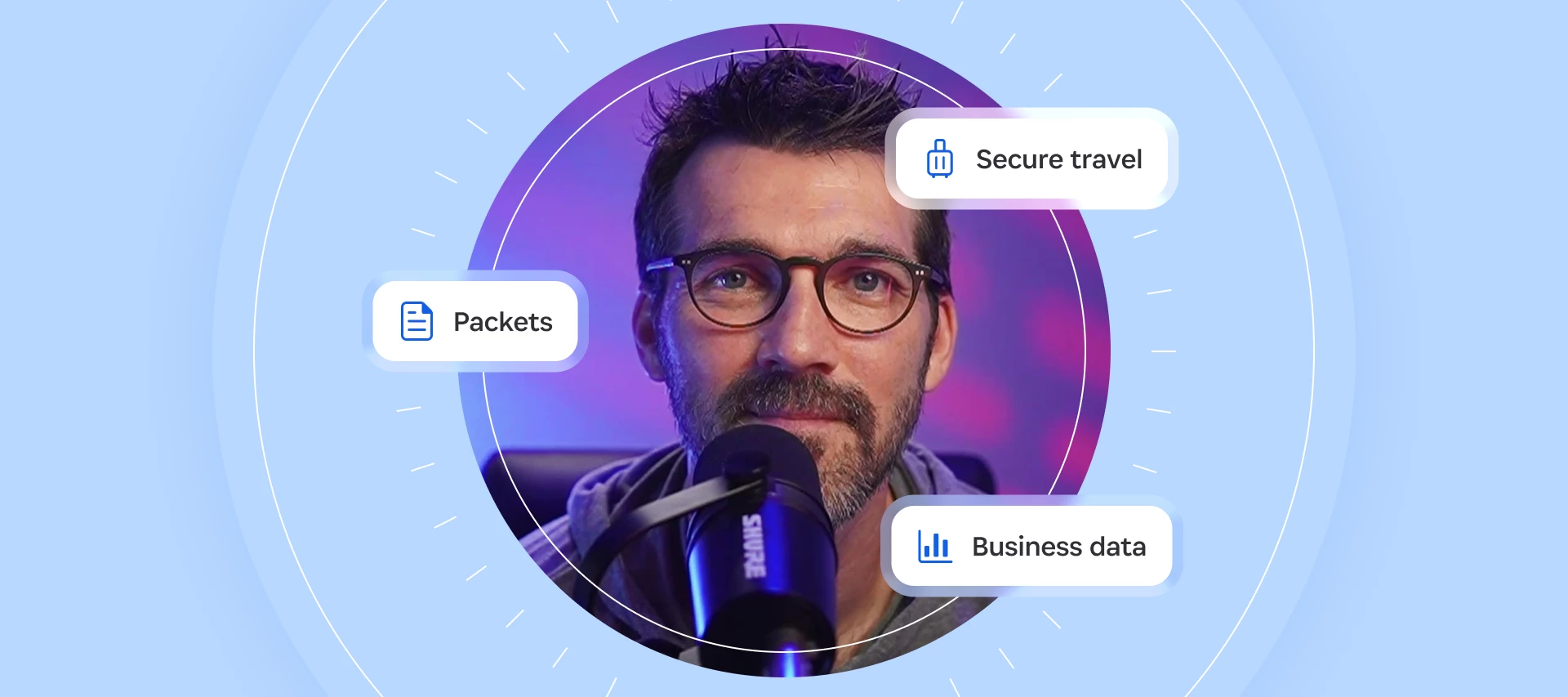
You've confirmed your hotel reservation, downloaded your boarding pass, and checked that you have your passport. But what happens if you lose your phone or critical accounts?
Most business travelers spend plenty of time preparing for the logistics of a trip. Far fewer are prepared for what happens if they lose access to their digital essentials. That oversight matters because business travel depends on a handful of devices and accounts that serve as your office, wallet, and travel coordinator all at once.
Preparing for lost devices and securing sensitive documents can reduce disruption when you're on the road. And luckily, many of the habits that will keep you connected if something goes wrong also strengthen security. Here are some practical rules for staying secure, productive, and prepared throughout your trip.
Can't see the video? Watch on YouTube.
Security starts before your trip
Many business travelers only think about cybersecurity once they're on the road. But preparing your accounts ahead of time can prevent a minor issue from becoming a major disruption when you're away from home.
As cybersecurity educator Gerald Auger put it in a recent episode of Random but Memorable: "Be mindful of securing your key accounts before you go. You shouldn't wait until you're about to travel to turn on MFA or multi-factor authentication for all your things."
If you've ever had to deal with a compromised account, you know how stressful it can be. Trying to recover access while you're in another country, working across time zones, and preparing for customer meetings only adds another layer of complexity.
Before traveling, take a few minutes to strengthen the accounts you'll rely on most.
Before you leave:
- Protect important accounts with strong, unique passwords.
- Enable multi-factor authentication (MFA) or, where available, use a passkey for stronger phishing-resistant protection.
- Verify that your account recovery methods and backup email addresses are up to date.
Business travel increases the stakes
Losing your wallet or phone is a massive inconvenience when you’re traveling. But leaving a proposal, customer contract, or confidential presentation behind in a rideshare comes with entirely different consequences.
While you’re traveling for work, you’re carrying customer data, contracts, proposals, intellectual property, and access to internal systems. Accidents do happen, so you should be prepared to tell your employer ASAP if the unexpected happens. Don’t worry: your employer is probably prepared as well. Corporate devices are “highly likely enrolled in some type of mobile device management (MDM) solution, which means you can call your help desk and get it remotely wiped,” Auger explains.
Tips
- Familiarize yourself with your company's lost-device reporting process before you travel.
- Avoid printing sensitive documents unless absolutely necessary.
- Store work devices out of sight when traveling between meetings.
- Separate personal and corporate accounts whenever possible.
Your phone is mission critical
Modern smartphones have become the control center for business travel. They hold boarding passes, MFA prompts, travel confirmations, payment methods, contact lists, and access to corporate applications.
As Augur puts it: "Your phone is literally your communication vehicle, your finance vehicle, and your 'logistics to be able to access things' vehicle.”
That changes how you should think about risk. Protecting sensitive information matters, but so does maintaining access to the systems and information you rely on while traveling. Your phone is your office, wallet, and travel companion, so treat it accordingly:
- Disable lock-screen previews of notifications.
- Carry a battery pack on long travel days.
- Make sure critical apps and documents are available offline.
- Use 1Password’s Travel Mode to remove sensitive information in transit temporarily.
Plan for the problems you're most likely to face
Most travel disruptions don't begin with sophisticated attacks. They start with everyday mistakes: a dead battery, a lost device, a misplaced charger, or a phone left behind in a rideshare.
The good news is that the most effective safeguards are often the simplest. A printed itinerary, backup contact information, emergency numbers, and a plan for replacing and remotely locking or erasing lost devices can dramatically reduce the impact of an incident. Think of it as your own incident response plan..
"Some of the best security is just foundational security," Auger notes. “Set yourself up for worst-case scenarios. Have a hard copy of your itinerary. Where are you staying? What's the phone number? Who are your key contacts that you need to meet with or whatever?”
Tips
- Carry a printed copy of your itinerary.
- Save emergency contacts somewhere other than your phone.
- Keep a backup payment method separate from your wallet.
- Know how to lock or wipe your devices remotely.
Traveling makes it easier to lower your guard
Humans are creatures of habit, and travel makes it easier to let your guard down. You might be in an unfamiliar city, running on disrupted sleep, navigating a foreign transit system, and trying to close a deal at the same time. Your cognitive load is already maxed out.
Even if you’ve done everything to prepare, this is exactly when a convincing phone call from "the IT help desk" or "your rental car company" is most likely to work. Attackers don't need to compromise technology if they can exploit distraction, urgency, or uncertainty. Most often, your attention is the attack surface.
Tips
- Be skeptical of unexpected calls, texts, or emails related to your trip.
- Verify requests using a known phone number or trusted channel.
- Avoid making account changes while rushed or under pressure.
- If something feels urgent, slow down before responding.
Trust but verify
It’s possible for attackers to create wireless networks that mimic legitimate conference Wi-Fi. Connecting to the wrong network can give attackers an entry point that leads to the theft of information or credentials.
Auger's approach is simple: "Verify what the network is." Rather than relying on colleagues or nearby attendees, he verifies conference Wi-Fi details by tracking down the official signage. "There are usually posters with the network name and ID. I don't ask my friend what the network is. I’ll go find the poster."
It's a small habit that reduces unnecessary risk. The same principle applies to airport QR codes, rideshare pickups, hotel messages, and conference communications. Small acts of verification can prevent larger problems later.
Tips
- Confirm Wi-Fi names from official signage.
- Verify rideshare license plates before entering a vehicle.
- Be cautious when scanning QR codes in public spaces.
- Use trusted websites and apps rather than links sent unexpectedly.
Be prepared to treat border crossings like a job interview
Security preparation doesn't stop with devices and accounts. International business travelers also need to think about the practical realities of crossing borders.
The United States is one example of where immigration scrutiny has significantly increased in recent years and, according to immigration attorneys Grace Shei and Morgan Bailey, this can even affect frequent business travelers and executives. This is especially relevant to travelers coming to the United States on a B1 visa, which is expressly designed for business visitors, or those entering the country on an ESTA, through the visa waiver program.
As Bailey notes: “Companies that manage travel successfully treat it as part of a broader global mobility and risk management strategy – not just a booking and logistics exercise.”
Before you travel:
- Make sure you’re able to confidently explain your purpose for entering the country in one or two sentences.
- Ensure your activities align with your visa classification.
- Carry documentation that supports your stated purpose.
- Turn on 1Password Travel Mode. Only the vaults you mark safe for travel will be visible, protecting your privacy on the road and in the air.
Security doesn't end when you land at home
Returning home doesn't mean the risk disappears. Taking a few minutes to review accounts, remove temporary access, and verify that everything is secure can help you catch problems before they become larger issues.
- Delete unnecessary apps and accounts. If you downloaded any apps or added any accounts for your trip that you don’t need at home, delete or close your accounts before deleting the apps.
- Review statements for unknown charges. While you’ll have charges from new merchants – and potentially in new currencies – it’s best to check accounts after you’re home for any unexpected charges. The earlier you report a suspicious transaction, the better.
- Check your password health. Double-check that all of your accounts are protected with strong passwords. 1Password’s Watchtower automatically monitors accounts for compromised passwords and sends alerts when they need your attention.
Discuss this article and share your own travel tips in our forum thread!