
August 8, 2026
Question

Broken Autofill at GEICO

  • August 8, 2026
  • 1 reply
  • 7 views

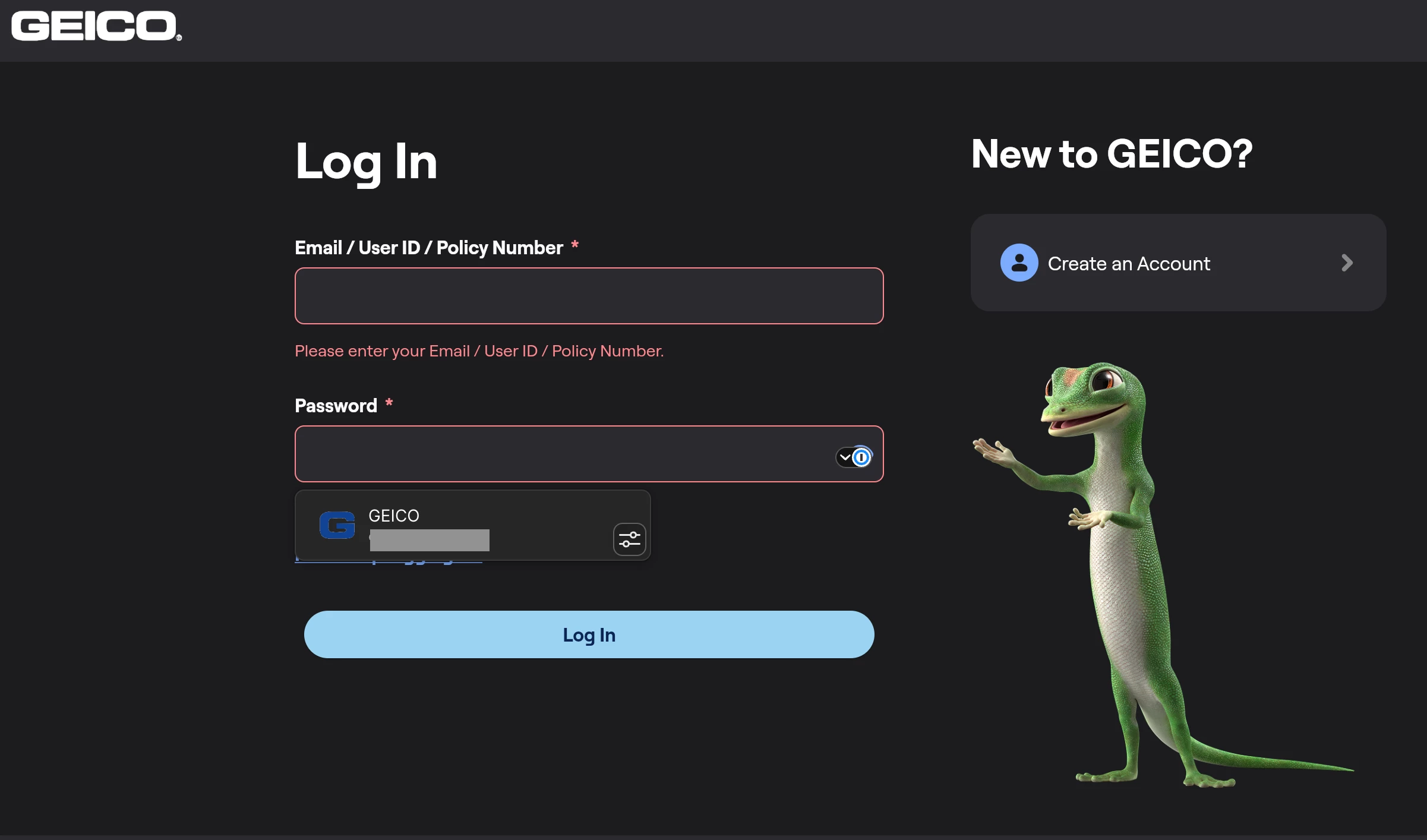
Browser based auto fill does not work in the GEICO insurance customer portal located at https://ecams.geico.com . The outcome is the same whether launched from the toolbar or from the in-line 1Password icon at the password field. No text appears in the username or password fields, and the red box and red text appear indicating that these fields are empty.


Browser: Vivaldi Version 8.1.4087.62 (Official Build) (arm64); Chromium Version 150.0.7871.226

Plugin: 1Password Chrome Extension 8.12.30.21

OS: macOS 26.5.2
 

1 reply

AJCxZ0
August 8, 2026

Reproduced with up-to-date Google Chrome with 1Password beta extension on Fedora 44 Workstation.


The two input fields’ sources are

<input spellcheck="false" autocorrect="off" autocomplete="email" data-semantics-role="text-field" aria-invalid="true" type="text" style="position: absolute; top: 0px; left: 0px; width: 496px; height: 48px;" placeholder="" name="email" id="email" data-com-onepassword-filled="light" inputmode="email" autocapitalize="none">

<input spellcheck="false" autocorrect="off" autocomplete="current-password" data-semantics-role="text-field" aria-invalid="true" type="password" style="position: absolute; top: 0px; left: 0px; width: 496px; height: 48px;" placeholder="" name="current-password" id="current-password" data-com-onepassword-filled="light">