Question
Unecessary (annoying) prompt to save/update login - selected web pages only
In the past few weeks, I have been observing a strange behavior of 1Password in Safari (macOS Tahoe), namely a prompt to save/update a login after I already logged in. This occurs, for example, after I logged into my Synology NAS web interface (local IP address), every time I touch the right-hand menu (any item) - see below.
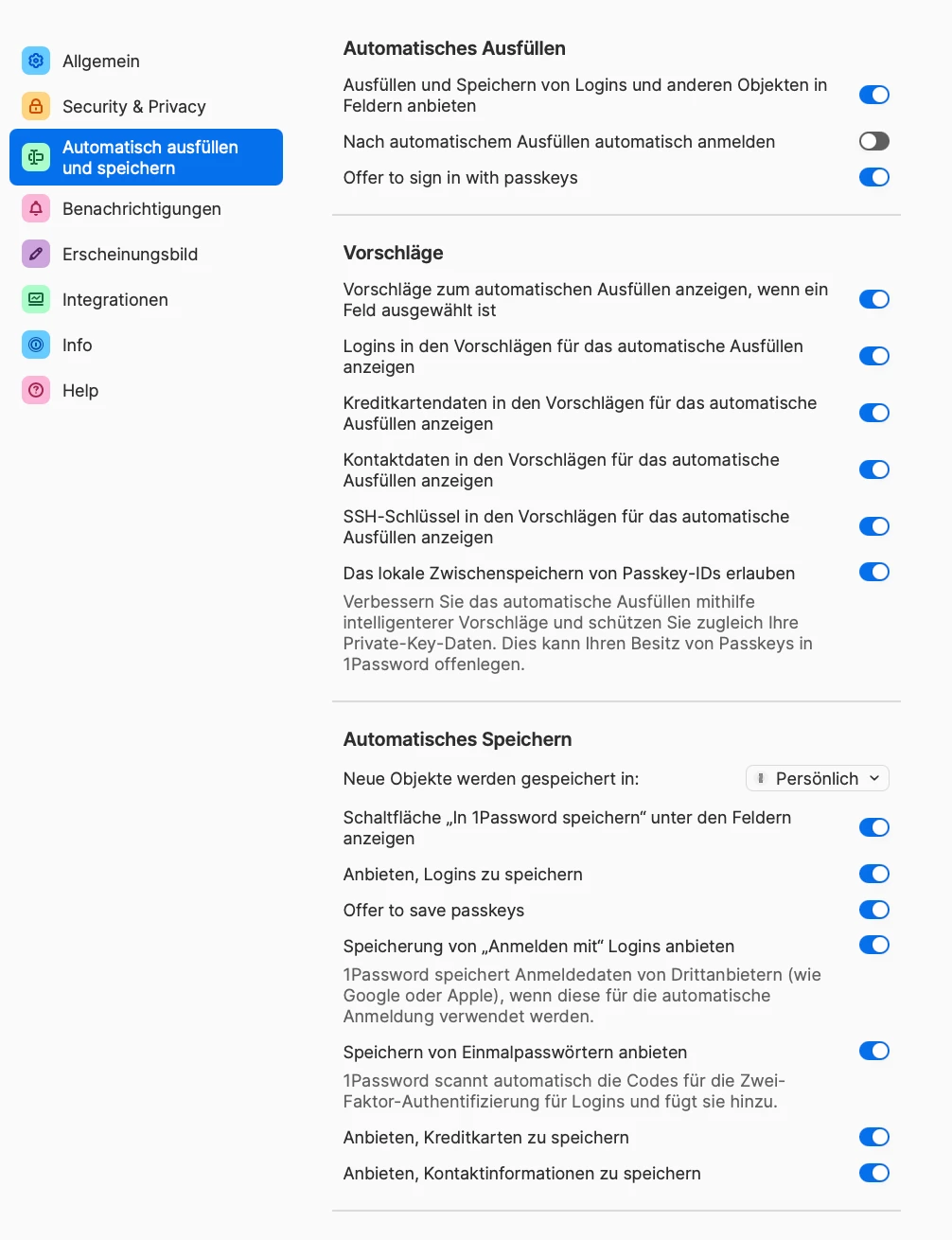
I haven't really found a solution in the community - which items exactly would I have to disable in the auto save/fill section of the Safari extension? - see below (I assume the English version will match the German one in terms of location of switches).
Thanks for any help and regards,
Jan