
July 22, 2026
Question

Can't drag / drop anymore from Safari browser extension

  • July 22, 2026
  • 2 replies
  • 1 view

Sometimes I need to fill credentials to a domain that isn’t associated with the 1Password and I don’t want to associate that domain with that 1Password. Historically I’ve always been able to pull up the 1Password browser extension, type in whatever item I’m looking for, then drag the username and password wherever I want it on the browser.

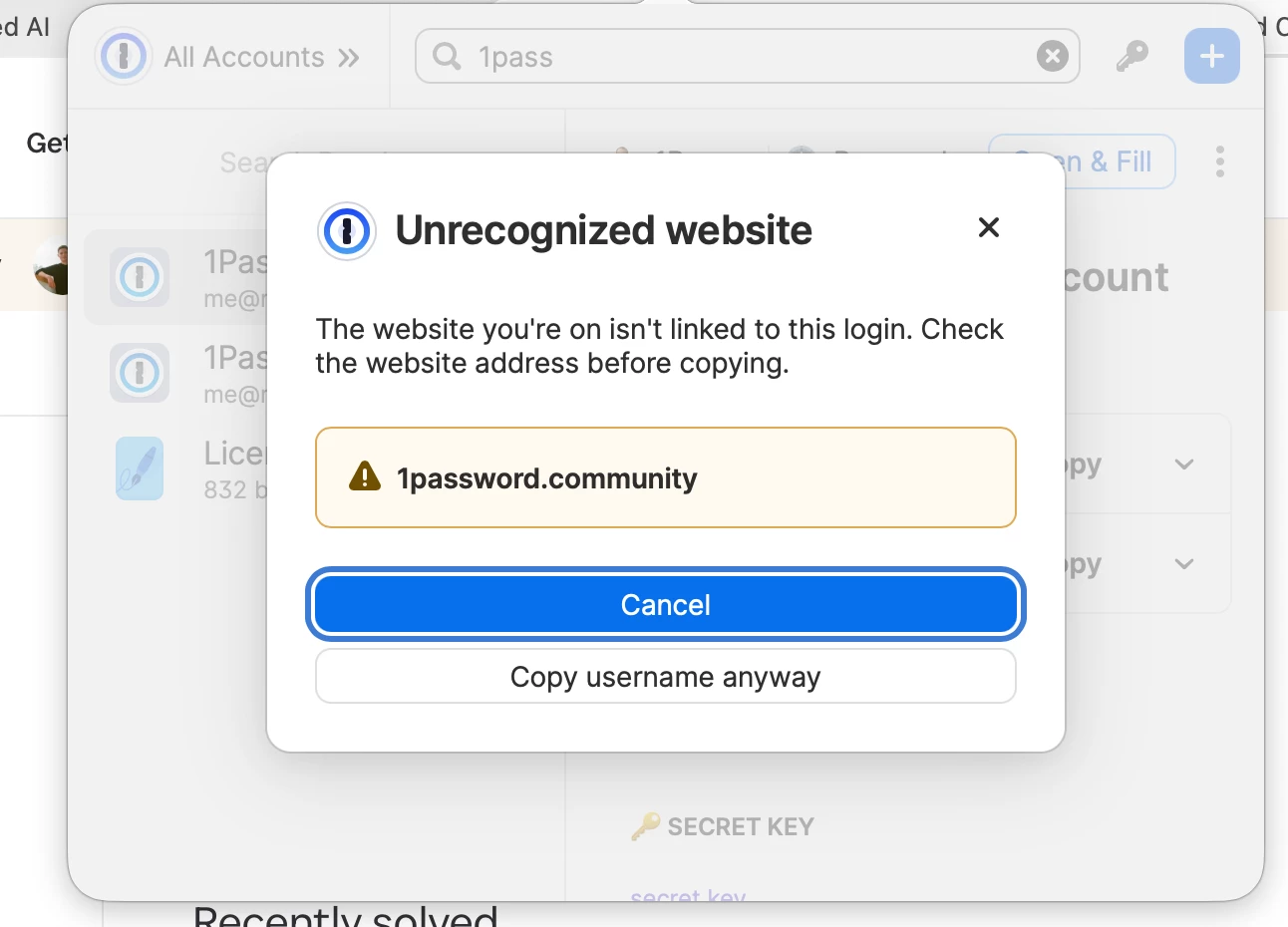
Now I’m getting off behavior where I start dragging, and an alert pops up, screenshot below. I’m not attempting to copy/paste, I’m attempting to drag (they are different actions). What was a quick drag and drop has now become a multi-step process. How do I turn off this weird behavior?


2 replies

July 22, 2026

This appears to be a new bug, as 1Password’s website says users can drag/drop within the browser.


ChrisC1P
1Password Employee
July 22, 2026

Hi ​@1PasswordSeattle thanks for reaching out.

The behaviour you’re seeing is being caused by the Warn about potential phishing feature. You can disable these popups with the following steps:

  1. Right-click the 1Password icon in Safari’s toolbar and choose Settings.
  2. Click on Notifications in the sidebar.
  3. Toggle off the Warn about potential phishing option.


Let me know how it goes or if you have any questions.

July 22, 2026

That did it! I looked all over the 1Password settings but didn’t realize there was a separate setting page for the extension. Thank you, I’m back in business.

ChrisC1P
1Password Employee
July 22, 2026

Thanks for confirming ​@1PasswordSeattle I’m glad those steps resolved the issue.


Feel free to reach out with any questions.