
No way to authenticate using TouchID during remote session
Issue
I sometimes have problems authenticating to 1Password because I am offered a TouchID prompt during a remote connection where I obviously can't access the TouchID key.
Summary
- This is mostly (if not always) related to SSH key authorization
- I have three Macs in different locations and often remote from one to another
- I use 1Password to manage my SSH keys
- On the remote mac I have the following in ~/.ssh/config. Usually for command line sessions, this bypasses 1Password and I'm prompted for a passphrase on the command line:
Host *

    Match exec "! netstat -an -p tcp | grep ESTABLISHED | grep -q '\.5900'"

        IdentityAgent ~/Library/Group\ Containers/2BUA8C4S2C.com.1password/t/agent.sock
- Screensharing (VNC) sessions are a crap-shoot: sometimes I get a TouchID prompt with no way to switch to a keyboard prompt.
Detail
When trying to log into a website in a browser, or using SSH in a terminal, a prompt comes up where the only option is TouchID:
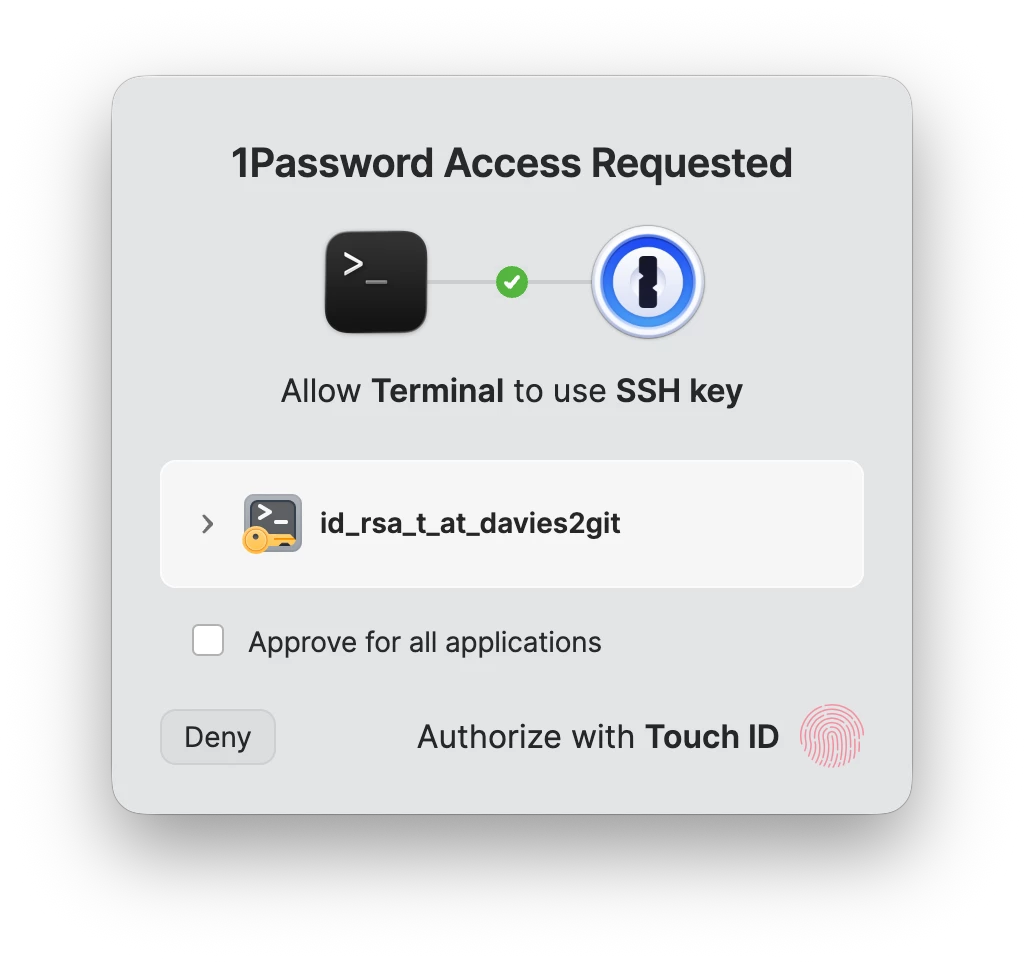
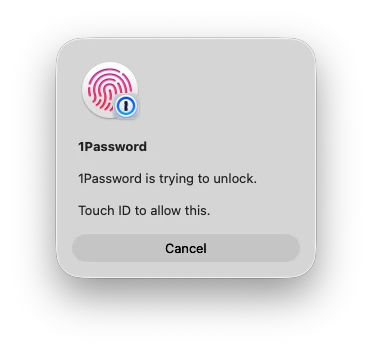
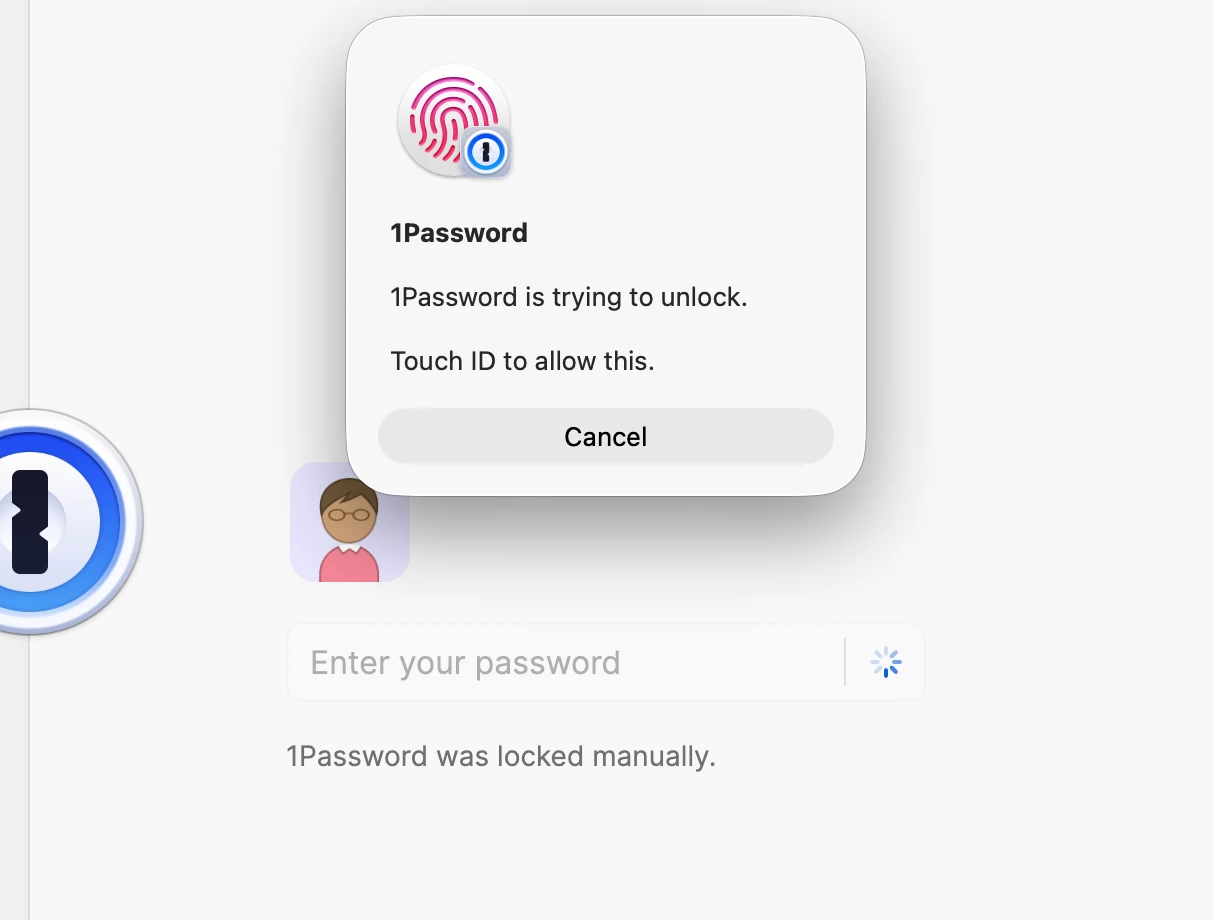
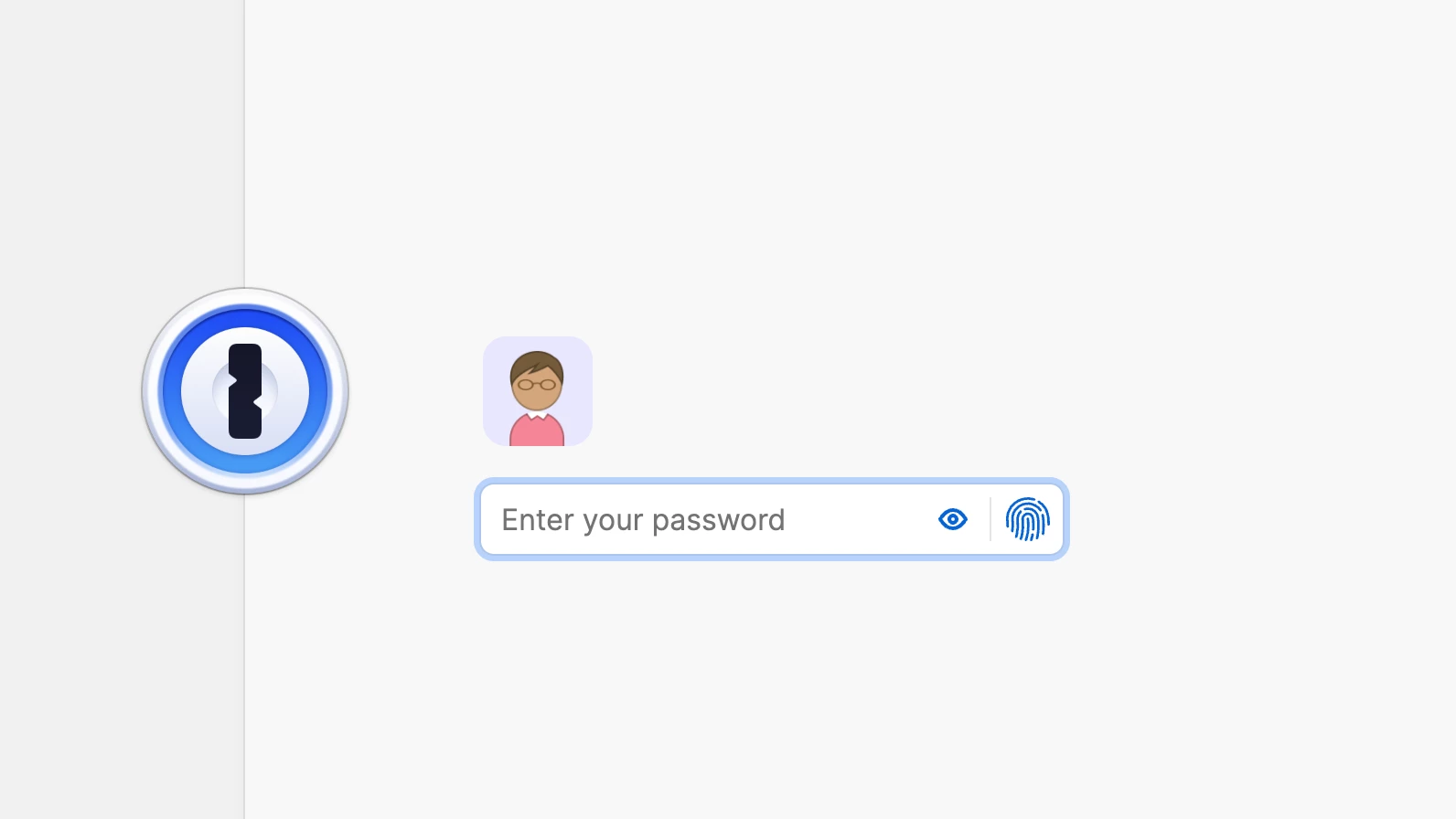
It seems like other times that the prompt has an option to switch to keyboard to unlock 1Password. I can't find examples of that offhand, except for the 1Password unlock window:
There is another thread about this, but no solution. Is there a shortcut or trick to switch to keyboard authorization when the option is not available in the dialog?