Passkey issue with only some Microsoft tenants
Hi,
I am having a problem saving a passkey related to a Microsoft 365 work account - but only some of the accounts I work with have this problem.
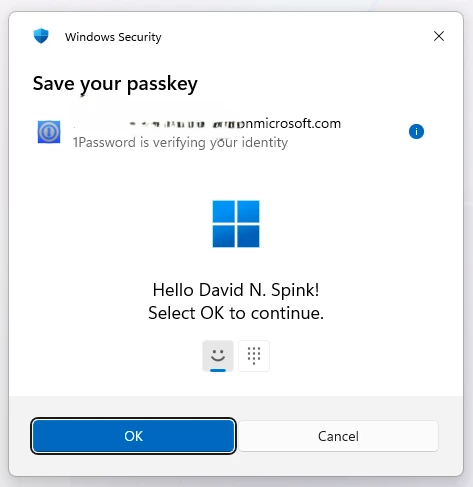
On the tenants where it works I’ve been getting asked to add a passkey after a normal sign in.. the process completes and automatically picks up 1Password as the location to store the key - everything is fine.
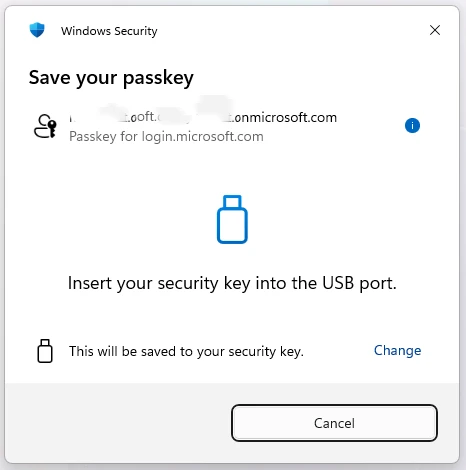
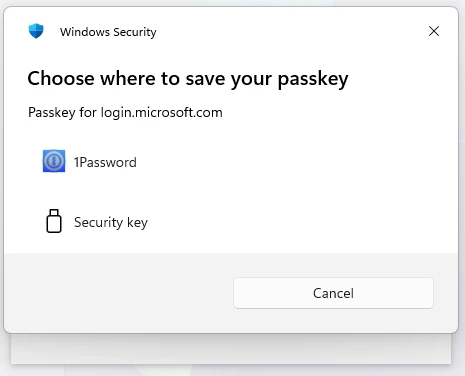
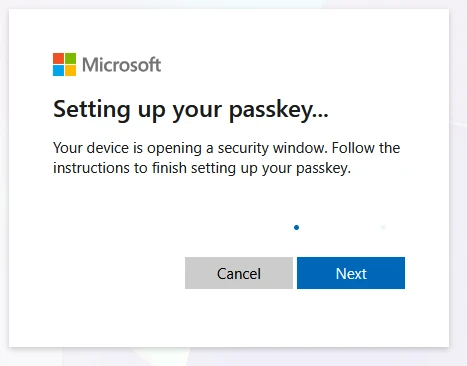
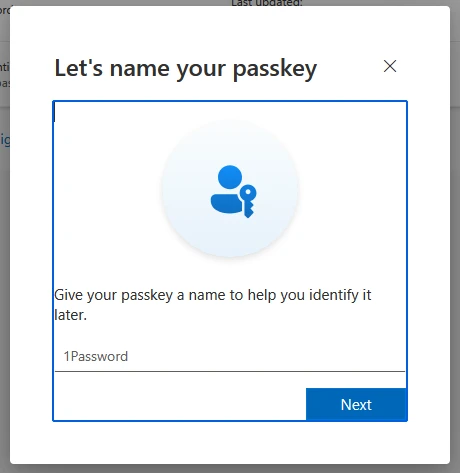
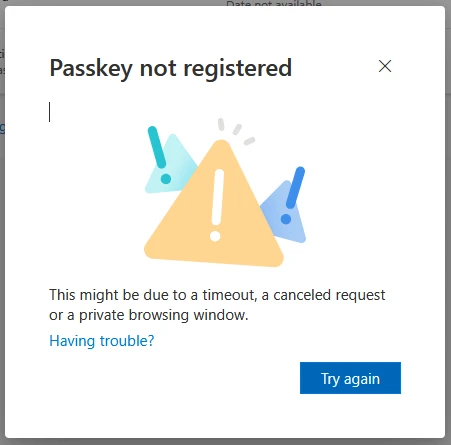
On the few where it doesn’t work the flow is slightly different as per below. It comes up asking me to plug in a security key, I then have to change that to use 1Password.. then it appears to be working but at the very last step something goes wrong. The passkey IS saved in 1Password but does not show up in the Security Info section at the Microsoft end.
After that subsequent logins to the same account immediately produced as error (I assume because 1Password is trying to use the passkey it has, but which didn’t register at Microsoft) and I need to then choose “Sign in another way” to get logged in.
This has been going on for a few weeks - I currently have 2 tenants where this is happening, and another maybe 20 where it all works fine! I have compared the authentication settings at Microsoft between an account that works vs one that doesn’t and I can’t see any differences. I’m not sure what to do now!