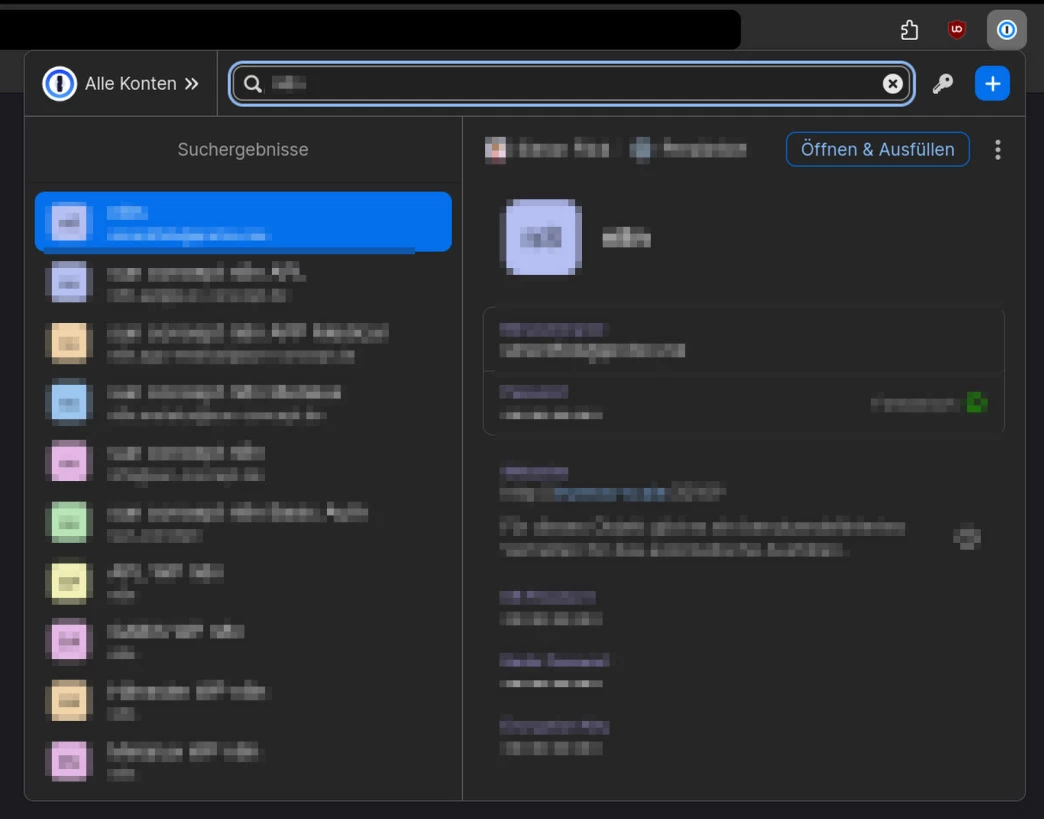
[Tutorial] How to increase size of 1Password pop-up in Firefox
People have been complaining about entry titles being cut off for so many years now, and there is still no official fix in sight. But I have found a workaround that increases the pop-up size to the maximum allowed on Firefox, and I want to share that for anyone interested.
Mind you, this makes use of a hidden legacy setting, which might get removed soon, so it’s not a long-term solution. The devs should finally make the pop-up resizable since it would only take an hour of their time (or an AI agent that runs in the background while they work on the more important features 🙂). I would also be willing to contribute to the extension, but as far as I know, it is closed source.
I have only tested this on Linux, but it should work on Windows and macOS too.
-
Open
about:configby typing it into the address bar -
Set
toolkit.legacyUserProfileCustomizations.stylesheetstotrue -
Right click into the 1Password pop-up and select
View Page Source -
Copy the 1Password UUID from the address bar. It looks like this:
767400c8-d3b3-4fa0-a721-a3ca596818f3. And it is different for each browser profile. -
Open
about:profilesby typing it into the address bar -
Open the root directory of the profile that is currently in use
-
Create a folder named
chrome. Inside that folder create a file nameduserContent.csswith the following content: -
@-moz-document url-prefix("moz-extension://INSERT_UUID_HERE/popup/") {
    /* resize 1Password popup */
    body {
        width: 800px !important;
        height: 600px !important;
    }

    #mainUI {
        grid-template-columns: 350px calc(100vw - 350px) !important;
    }

    /* remove word break to use all available space */
    #itemListPane span[class*="sprinkles_wordBreak_break-word"] {
        word-break: break-all !important;
    }
}
Insert your UUID at the marked spot in the code and save the file
-
Restart Firefox
Result