
September 1, 2026
Question

Where can I view who made an item?

  • September 1, 2026
  • 5 replies
  • 4 views

I want to see who made an item in the 1Password app. I can see when it was made and if I edit the item, I can then see who edited it, but I can’t just view who made the item.

Sometimes I have questions about how someone set something up and I want to be able to easily view the responsible individual.
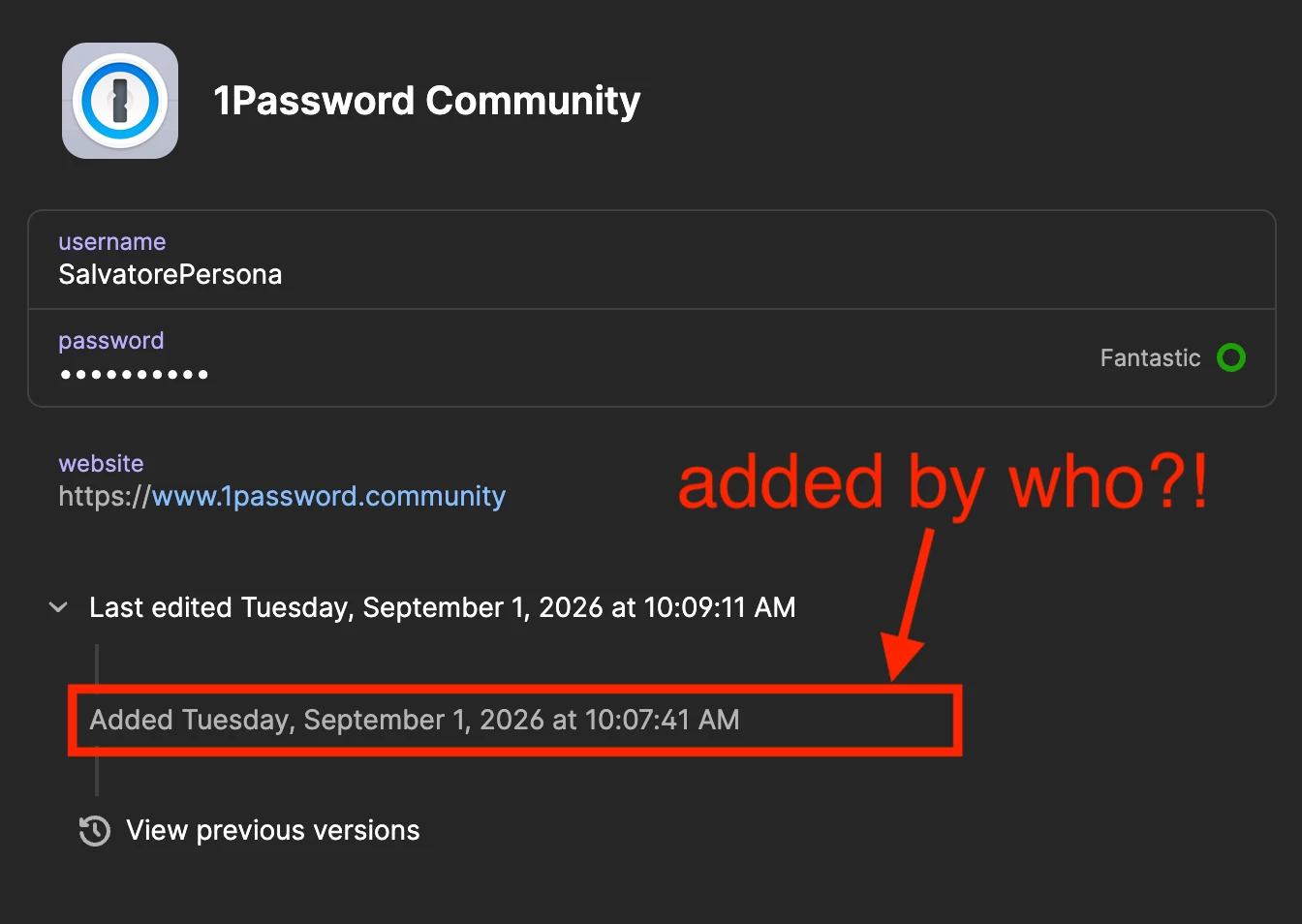
Item in 1Password showing when it was added. There’s a red arrow pointing to the row inquiring who added the item.


5 replies

1P_Dave
1Password Employee
1Password Employee
September 2, 2026

Hello ​@SalvatorePersona! 👋

Thanks for the question! If you click View previous versions, the oldest version listed will show who originally created, moved, or duplicated the item.

I hope that helps! 

-Dave

September 2, 2026

Hey ​@1P_Dave, that only works if you have a previous version to show. You don’t see that information on a new item someone else made.

1P_Dave
1Password Employee
1Password Employee
September 24, 2026

​@SalvatorePersona 

Try making an arbitrary edit to an item and then save it. You should see who created it in the version history. 

That being said, I can see how an easier way to find this information would be useful and I’ve filed this as a feature request with our team. 

-Dave

September 25, 2026

I can see why this would be useful. The item shows when it was added, but having the creator’s name available in the item details would make it easier to know who originally set it up.

1P_Dave
1Password Employee
1Password Employee
September 25, 2026

I’ve shared your comment as a feature request with the team as well! 

-Dave