


Developer newsletter: October 2026
Hello, friends 👋
It might be spooky season, but don't worry, this newsletter is packed with developer treats and zero security tricks.
Read on to learn how you can use 1Password with NVIDIA OpenShell for even more secure agentic workflows. You'll also get the lowdown on 1Password for Agents, which integrates your password manager with a growing number of personal AI assistants.
Plus, get started with 1Password developer tools using our new step-by-step tutorials, and explore the highlights from our Zero-Shot Learning podcast. Let's jump in.
Secure agentic workflows with 1Password for NVIDIA OpenShell
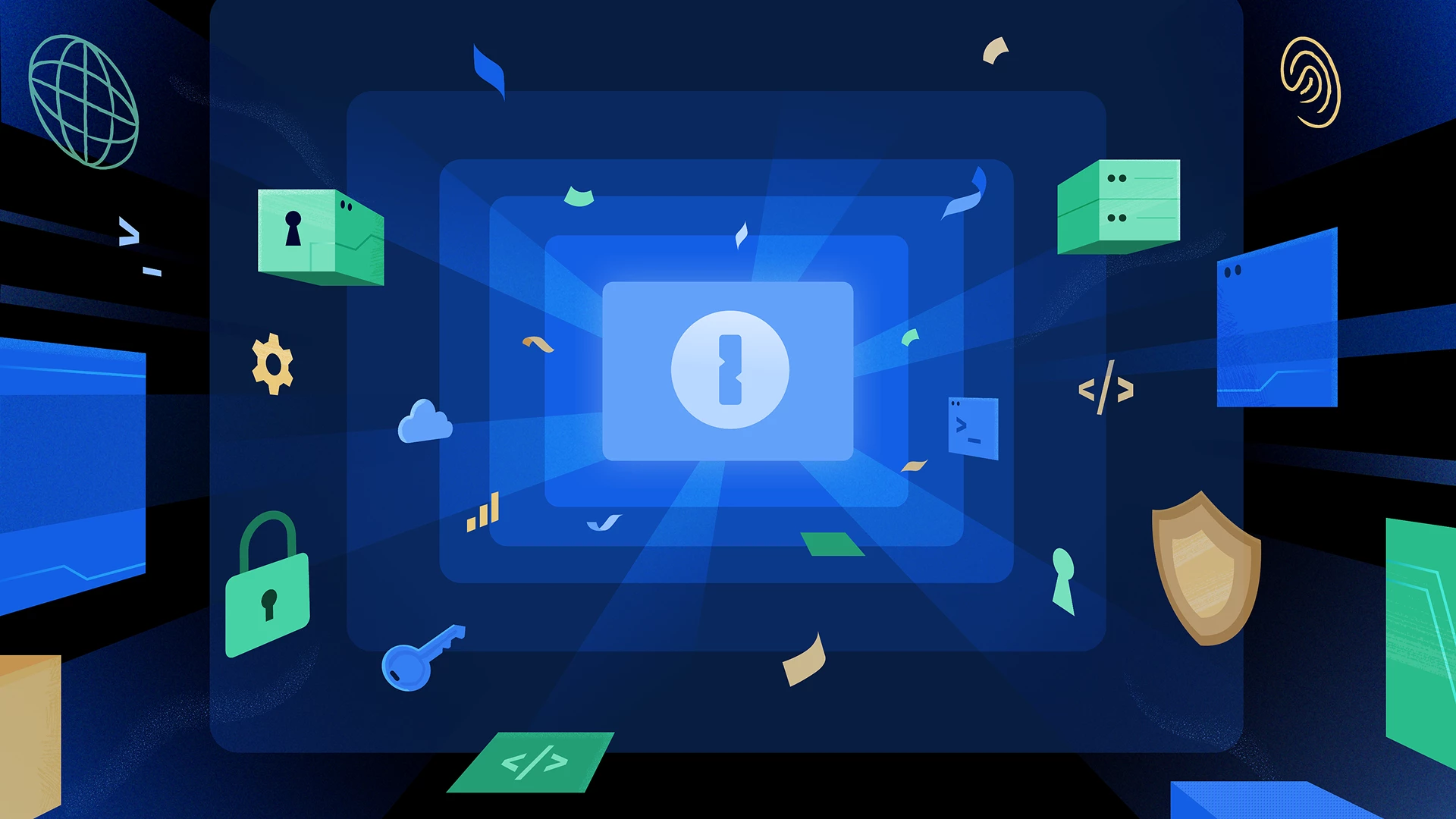
Coding agents are most useful when they can access repositories, APIs, and internal services. But granting that access is difficult without sharing long-lived secrets.
Secure your agentic workflows by combining 1Password with NVIDIA OpenShell, a safe, private runtime for autonomous AI agents. The integration uses 1Password Environments, which let you organize and manage environment variables separately from other items in your 1Password vaults.
1Password transfers custody of the credentials to OpenShell for a defined time-to-live (TTL), while OpenShell governs where the agent can use them during that window. And crucially, you're always kept in the loop by reviewing the connection before the agent starts work.
Keep your passwords safe while personal AI agents get things done
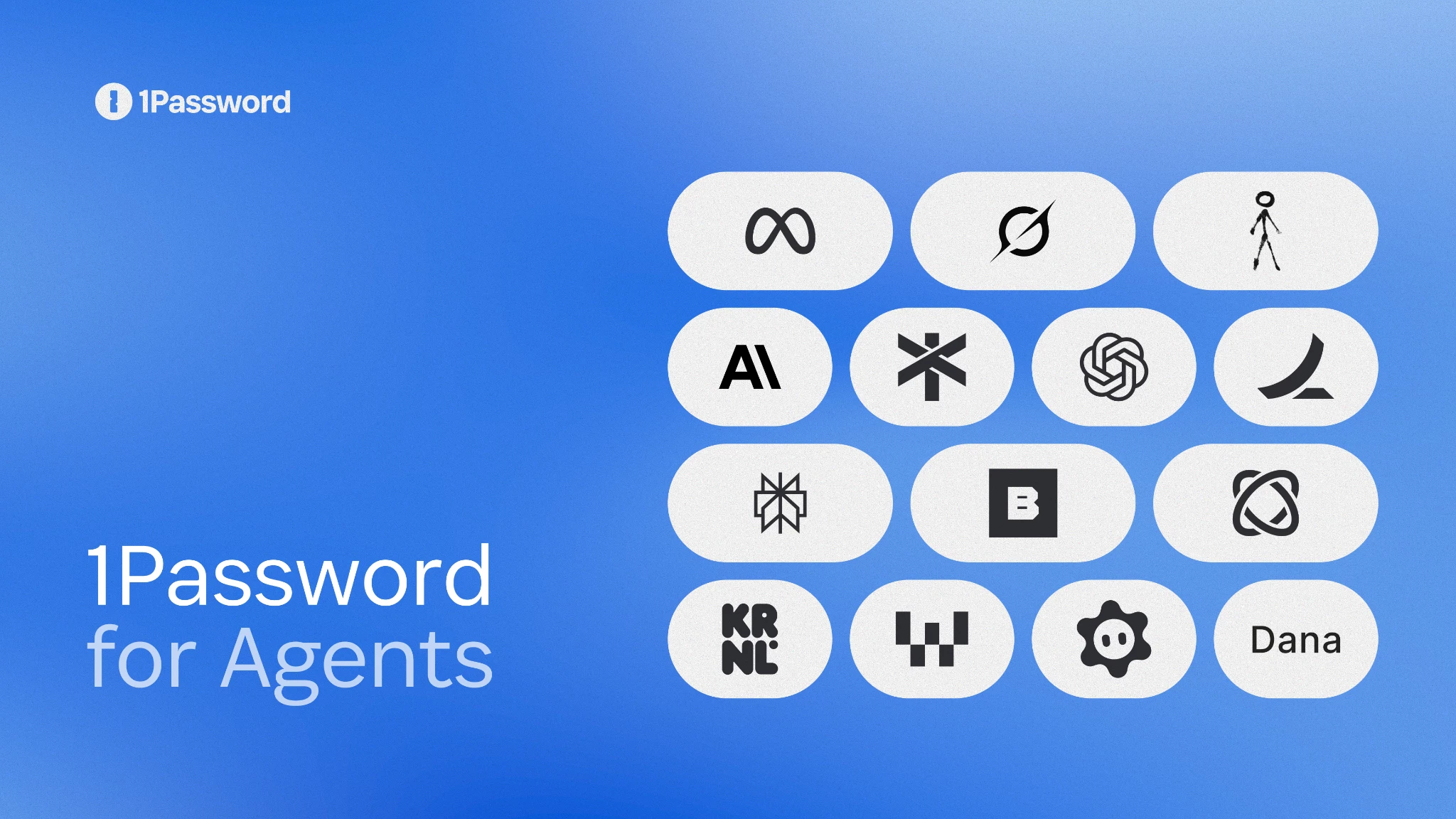
Learn how 1Password for Agents lets personal AI agents use the credentials they need while keeping your passwords and one-time codes protected in 1Password. This approach gives agents access to complete tasks without exposing credentials to the model or its memory.
Other product updates
Control when the 1Password SSH agent requests approval
Strengthen your workflows by configuring the 1Password SSH agent to ask for your approval for each SSH request. That means it doesn't remember approvals across requests, applications, or terminal sessions.
Get started: open Settings > Developer > SSH Agent, and expand the Advanced section. You can now set “Ask approval for each new” to request.
Try the 1Password plugin for Claude Code
Strengthen your workflows by configuring the 1Password SSH agent to ask for your approval for each SSH request. That means it doesn't remember approvals across requests, applications, or terminal sessions.
Get started: open Settings > Developer > SSH Agent, and expand the Advanced section. You can now set “Ask approval for each new” to request.
Learn how to get started with 1Password developer tools in 1Password Academy

Want to try 1Password developer tools, but don’t know where to start? If you’re brand new to our developer tools or you want to learn more about our latest offerings, this new five-course, self-paced training is available through 1Password Academy for free.
Learn how to use 1Password CLI, create your first Environment, move your SSH keys to 1Password, secure your AI workflows, and more.
1Password blog
1Password signs OpenAI open letter calling for collective action on cyber defense
1Password has signed OpenAI’s open letter warning that AI-enabled cyberattacks will grow more widespread and sophisticated, leaving defenders a limited window to strengthen security. Read the letter and 1Password’s blog post to learn why status quo security falls short and how developer tools can replace broad, static access with authority tied to identity, context, and the work at hand.
Build with Claude Code without exposing developer secrets
Claude Code is popular with seasoned developers and nontraditional builders alike, so if it’s your coding assistant, read this post for ways to use it securely with 1Password. Learn how 1Password developer tools can authenticate Claude Code, keep plaintext secrets out of code, protect SSH keys, and more.
Podcasts
Zero-Shot Learning: The grounding layer for physical AI
Stay ahead of the AI industry by getting up to speed on real-world foundation models. In the latest episode of Zero-Shot Learning, two leaders from Niantic Spatial explain why robots and AI agents need an accurate, shared understanding of physical spaces.
Check out the full episode to understand the limitations of traditional large language models and why spatial understanding is a prerequisite for AI systems operating in the physical world. By the end, you'll know how AI is expanding beyond chat windows and IDEs into a more helpful IRL companion.
Chainguard’s CTO on why every build needs an identity
Chainguard CTO and co-founder Matt Moore joined 1Password’s former CTO Nancy Wang and Google Gemini’s Dev Tagare to discuss the overlap between open-source software supply chain security and identity and access controls.
Check out the podcast episode to learn how Chainguard helps teams securely adopt open-source packages, base images, and tools. You’ll also hear Moore’s perspective on identity security and why he believes no credential should exist long enough to be worth stealing.
Other podcasts
- Can agents keep a secret? We asked 1Password’s CTO Nancy Wang (Dev Interrupted)
- Securing AI Agents: 1Password on Zero Standing Privilege & Shadow AI (ZKast)
- Jacob DePriest: Why AI Patching Fails (Zero Signal)
Join the 1Password team!
Love 1Password, coding, and cybersecurity as much as we do? Check out our job board and apply to one of our many remote technical positions.
Keep this conversation going on 1Password Community
That's it for this month. If you want to chat about anything covered in this newsletter, join the 1Password developer Slack or hop over to 1Password Community and start a new discussion thread!
– 1Password’s Developer & AI team