Level up your business security with free, on-demand training and certification. Explore 1Password Academy today →
Forum Discussion

Anonymous
4 years ago1P <> Browser autocomplete collisions
Hi there,
There are things that I don't keep in my 1Password -- my contact card, credit card, etc.
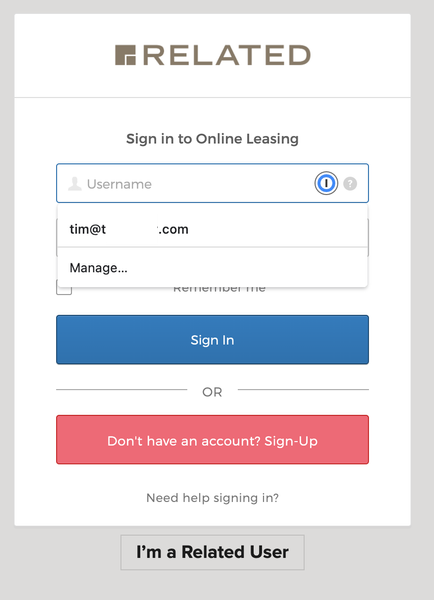
The new beta plugin seems to be very all or nothing, e.g. if I ask 1Password to automatically...

Jack_P_1P 1Password Team
4 years ago1Password TeamHi @timfee:
Great questions!
While we'd generally recommend using 1Password in the browser for all of your filling needs, it's possible to turn off 1Password in the browser overriding the browser's autofill settings. To do this, right click on the 1Password icon in your browser's toolbar, then choose Settings. Turn off the setting for "Make 1Password the default password manager", and then you can turn on your browser's autofill options.
I've shared your thoughts about not showing the "No items to show" dropdown as well internally. While I can't promise anything, we use feedback like yours to inform the future of 1Password.
Jack
ref: IDEA-I-714


