Level up your business security with free, on-demand training and certification. Explore 1Password Academy today →
Forum Discussion

OLCE
4 years agoOccasional Contributor
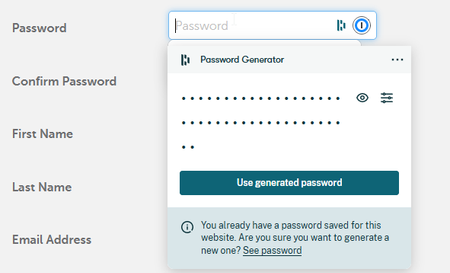
1Password password generator from the browser extension : change settings on the fly
Hi,
I'm migrating from Dashlane to 1Password.
2 most important reasons to do so were:
- the fact that Dashlane is moving to a webapp only environment (I still prefer to have an actual desktop...

Anonymous
4 years agoHey wills11 ,
We did move things around and made it easier. When you're on a page where 1Password suggests a new strong password, opening the extension from the top right corner of your browser's toolbar will automatically show the generator instead of you having to navigate to it.
Once you're in the generator, change the password's type from "Smart Password" to "Random Password" to reveal the recipe controls (length, digits, symbols). You can also set your own recipe as the default instead of the Smart Password recipe, so the next time you open it, it will automatically show the recipe controls and will suggest your own recipe on every webpage. :chuffed:


