Level up your business security with free, on-demand training and certification. Explore 1Password Academy today →
Forum Discussion

Tonman
5 months agoNew Contributor
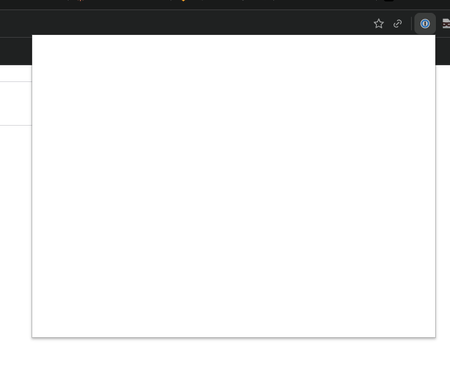
Comet Browser with Extension blank UI issue when click the icon
## Issue Description When clicking on the 1Password browser extension icon in Comet Browser, the extension popup opens but displays only a blank/white UI instead of the expected password man...

1P_Dave Moderator
5 months agoModeratorHello Tonman! 👋
I'm sorry that 1Password's pop-over window isn't opening correctly in the Comet browser. As a first step, can you try the following:
- Copy the following into the address bar: comet://extensions/
- Then press Enter.
- Turn 1Password off.
- Turn 1Password back on.
If that still doesn't work then right-click on the 1Password icon in Comet's toolbar and click Settings. Do you see a green dot in the browser settings page? Or a different coloured dot and an error message? If you click on About what version of 1Password in the browser are you using?
-Dave



