Level up your business security with free, on-demand training and certification. Explore 1Password Academy today →
Forum Discussion

dteare 1Password Team
4 years ago1Password TeamFirst 1Password beta of 2️⃣0️⃣2️⃣2️⃣ 🎉
Welcome to our first beta of 2022! 🙌
All signs point to 2022 being an incredible year and we’re kicking things off with our very first beta, #80500079 .
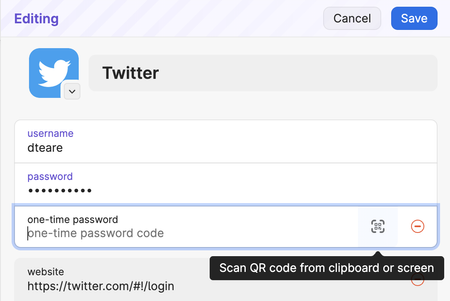
By popular demand you can now add you...

1P_Ben1Password Team
4 years ago1Password TeamI‘ve asked the same question here.
Merged. :)
I can't comment on the timeline, but I can say we're looking at adding this information in another spot to make it more available. Beyond that to avoid having another thread on the same subject let's continue anything further in the above linked thread. :)
Apropos category: I don't speak of the built in categories, which is only some kind of filter. I speak of the real containers at the leftmost column.
That's an interesting point. Could you please help me understand how it is important to know the number of items that have a certain tag? And why this information needs to be highly visible, vs accessible when needed?
I think one of the challenges here is we're having trouble understanding the use case. The primary concern I've heard of is being able to see these numbers at a glance to check for sync issues. That's valid, but ideally there would be a better way to indicate sync issues, such as a dedicated connection monitor that could tell you when accounts haven't synced recently and why/how to fix that. We have some designs around that idea too, and I'm hoping that is a direction we'll take.
Ben


