Level up your business security with free, on-demand training and certification. Explore 1Password Academy today →
Forum Discussion

dteare 1Password Team
4 years ago1Password TeamNew beta update is now available
Happy Valentines week everyone! 💕💖💘💝💕
I hope y’all managed to find something thoughtful for those dear in your life. I know we did! 😘 Today’s beta has some great improvements to show our lov...

viswiz
4 years agoSuper Contributor
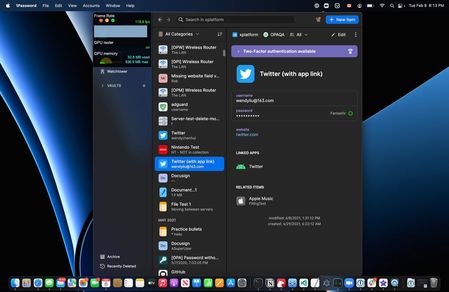
dteare the filter is really what I have been waiting for. It just finds/filters what I'm looking for... magic😊. Although I would like to get a kind of button to activate it I have to admit that I couldn't find a place where it would fit too. So at least for me the shortcut and menu item are a perfectly fine solution.
I found just three small issues:
1. The naming. The menu uses "Find" whereas you call it "Filter". In my opinion your term fits better. Within the menu we now have "Search" and directly below "Find". It's very hard the differentiate those two functionality wise. "Filter" would make that easier.
2. The first time I use filter via shortcut or menu the input field is revealed and gets the focus. But as soon as I click on any other item without closing the filter first, the only way to get the focus back to filter is to click into its text field. Neither shortcut nor menu activate it.
3. The new shortcut is missing in the shortcut list available within 1PW's help menu.


