
Microsoft 365 passkey
I’m having two issues with Microsoft 365 passkeys when using the 1Password desktop app on Windows.
1. Registering a new passkey
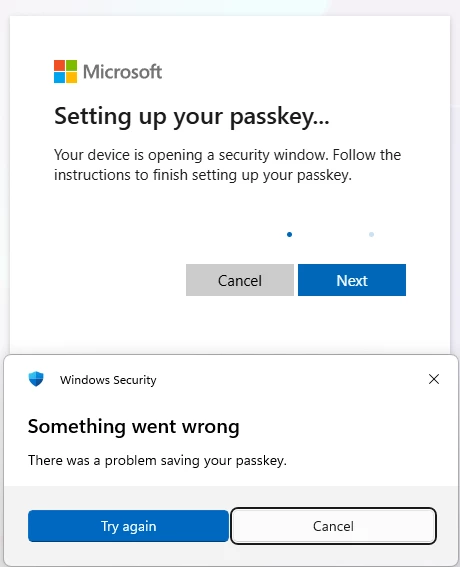
When I try to save a new Microsoft 365 passkey through the 1Password Windows desktop app, either to an existing 1Password item or by creating a new item. Windows Security displays the following error:
“Something went wrong. There was a problem saving your passkey.”
2. Using an existing synced passkey
I already have a passkey that was created and saved using the 1Password app on my mobile phone. The passkey is synced and visible in the 1Password Windows desktop app.
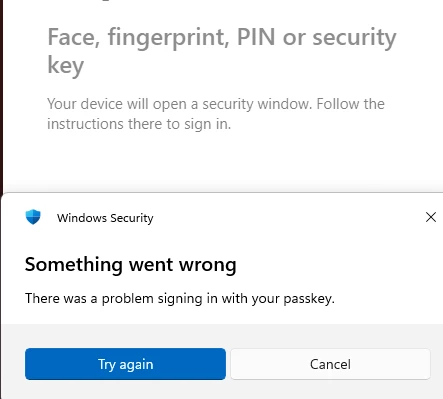
However, when I try to use it on the Windows PC, a Windows Security popup displays the following error:
“Something went wrong. There was a problem signing in with your passkey.”
Both issues occur when the authentication flow is handled through the 1Password Windows desktop app.
I have no such problems with any of the browser extensions, they work fine, both registering and using passkeys.
Version info:
1Password for Windows 8.12.30 (81230021)
Windows11 25H2 build 26200.8655