Level up your business security with free, on-demand training and certification. Explore 1Password Academy today →
Forum Discussion

Former Member
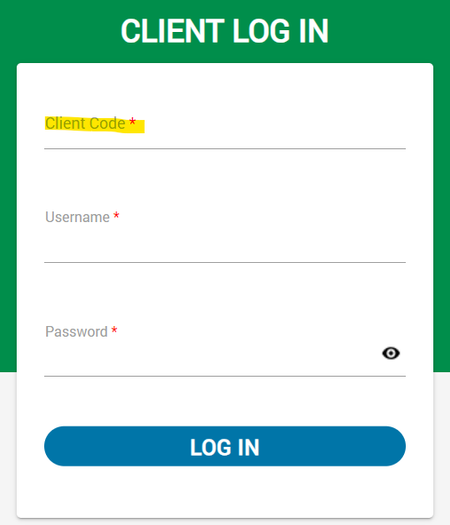
2 years agoAutofilling PayCom Client (Manager's Side) Code
Hello,
I'm having trouble having 1Password autofill the Client Code on the manager's side of PayCom (Client Side). I'm able to get the username and password to autofill when I click on the field,...
Former Member
2 years agoEnter client code, username and password into this form, but just before you click the "log in" button, locate the 1Password extension icon in your browser and right-click it, then choose "Save Login". This will save all filled form fields, including the client code, not just username+password. The next time you open that form, everything should be autofilled now.




