Protect what matters – even after you're gone. Make a plan for your digital legacy today.
Forum Discussion

Anonymous
3 years agoCannot connect to browser
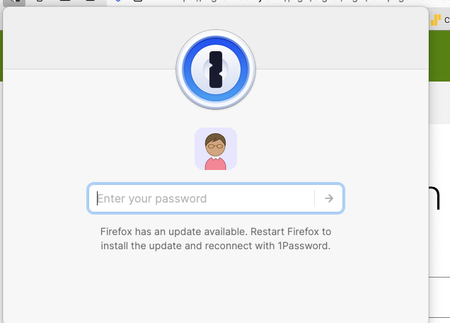
After recent update I am unable to connect to the 1 Password extension in either Firefox or safari. I have entered text into terminal as suggested but still can not connect.

markbot
3 years agoFrequent Contributor
@JRok77 Yes, I set the extension to never auto-lock.
Also, please be aware that this issue has been fixed in the Nightly Build Channel, according to an email sent to me by 1Password Support. The instructions sent to me to enable that are:
- Open the 1Password desktop app.
- Right click the 1Password icon in the macOS menu bar (up near the clock) and select 'Settings'.
- Select the Advanced section from the left sidebar.
- Under Release channel select 'Nightly'.
- Click the About section from the left sidebar.
- Click on 'Check for Updates' (if the update isn't showing already)
- Click 'Restart 1Password' to install this update.
The only other step I had to take was to toggle "Integrate with 1Password app" back on in the Extension Settings. Until I did that, password changes I had made in the desktop weren't reflected in the browser extension.
The desktop app and the browser extension are working correctly again.
Thank you to 1Password Support.



