Level up your business security with free, on-demand training and certification. Explore 1Password Academy today →
Forum Discussion

MultiMatt
3 years agoNew Contributor
Edits to an item do not "take" in Chrome browser extension
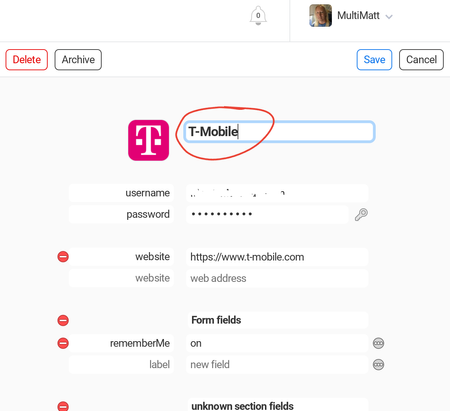
I am using the beta version of the 1Password Chrome extension (along with the app on my Pixel phone).
I made an edit to my former Sprint login info, since T-Mobile has now migrated me over. Change...

Former Member
3 years agoHey MultiMatt Thank you for reaching out here. 🙂
I apologize for any interruption in your workflow caused by the behaviour you're seeing. It sounds like the browser extension isn't syncing properly with the server. I have a few questions to dig a little:
- Do you have (or have ever had) two-factor authentication enabled for your 1Password account?
- If you make changes in the 1Password app on your Pixel phone, do those changes sync when you go to 1Password.com?
- In your Sprint/T-Mobile example, if you open the browser extension in Chrome and look at the time, did the other minor edits you made show up there?
- If you manually lock/unlock the browser extension in Chrome, does the data sync then?
- Right click the 1Password icon in Chrome's toolbar > Lock > then left click the 1Password icon again and enter your password to unlock
I look forward to hearing back and assisting further!


