Level up your business security with free, on-demand training and certification. Explore 1Password Academy today →
Forum Discussion

mamagear3
10 months agoNew Contributor
Export Data
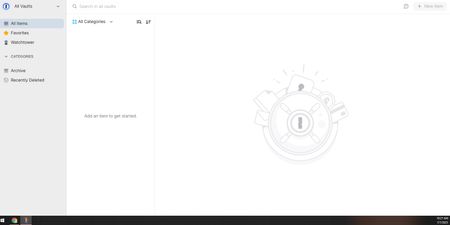
The information provided on your website is inaccurate. I am trying to export MY data from your service. I log in to All Vaults (home page) and there are not ellipses to click. Same thing ha...

elizabethcrowley
8 months agoNew Contributor
I've read these messages, downloaded the desktop app for mac and cannot find the ellipses. This is beyond frustrating. Please help.

1P_Dave Moderator
8 months agoModeratorWelcome to the community! You can find our export guide here: How to export your data from the 1Password desktop app
On the Mac, in the desktop app, you would follow these steps to access the export tool:
- Open and unlock the 1Password for Mac desktop app.
- Choose File > Export from the menu bar at the top of your screen and select the account you want to export.
- Enter your account password.
- Choose an export format (1PUX or CSV) and click Export Data.
- Choose where you want to export your 1Password data and click Open.
Let me know if you run into any issues.
-Dave



