Level up your business security with free, on-demand training and certification. Explore 1Password Academy today →
Forum Discussion

Calion
1 year agoDedicated Contributor
Share Sheet Extension
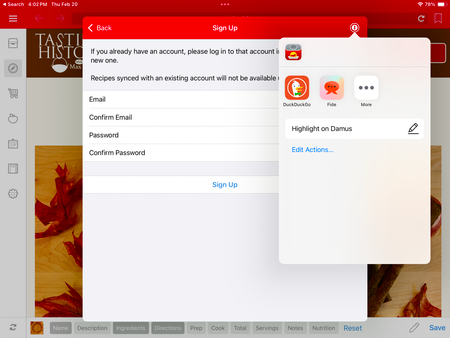
Please restore the Share Sheet functionality on iOS. Its lack is occasionally extremely inconvenient.
- 1 year ago
Hello Calion! 👋
Thanks for reaching out! The old share sheet extension isn't something that the team is looking to bring back and hasn't been part of 1Password for many years, it has never been included with 1Password 8. 1Password 8 for iOS offers two different filling options:
- 1Password for Safari which provides the same rich filling and saving experience that you're used to on the Mac.
- Password AutoFill which leverages native iOS features to allow you to save and fill in other apps on your iPhone and iPad.
If the AutoFill prompt isn't showing up above your keyboard in a certain app or website then you can double-tap on a field and then tap AutoFill > Passwords to fill your login credentials that way.I hope that helps.
-Dave

1P_Dave Moderator
1 year agoModeratorHmm that doesn't sound right. Make sure that you're enabled Password AutoFill to work with 1Password instead of iCloud Keychain/Apple Passwords:
- On the Home screen, tap Settings.
- Tap General > AutoFill & Passwords.
- Turn on AutoFill Passwords and Passkeys.
- Select 1Password and turn off Apple Passwords.
If you still see the same issue then is it possible that you're trying to use AutoFill in an in-app browser opened by a certain app rather than in a login field that is being rendered natively by the app itself? Can you tell me where you see the issue so that I can test it on my end?
-Dave
#34029
Calion
1 year agoDedicated Contributor
This happens anywhere "autofill" is an option—Safari, app password fields, even the Notes app.
- 1P_Dave1 year ago
Thanks for the reply. It looks like you're using an older version of iPadOS, where there was a bug where double-tapping a field and selecting AutoFill > Passwords would open iCloud Keychain rather than the actual third-party password manager that you had chosen to use.
Our team reported the issue to Apple and it's now fixed in the latest version of iPadOS (iPadOS 18). Are you able to update to a later version of iPadOS?
-Dave
#24225
- Calion1 year agoDedicated Contributor
No, my device will not upgrade past iPadOS 17.


