Level up your business security with free, on-demand training and certification. Explore 1Password Academy today →
Forum Discussion

Mirv
1 year agoSuper Contributor
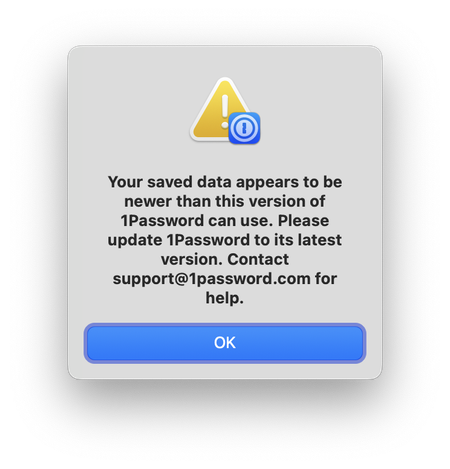
"Your saved data appears to be newer than this version of 1Password can use."
Just downloaded today's nightly 1Password for Mac. It comes up with the following error message, then closes after clicking OK.
Downloading the production version got the same result.
H...

1P_Dave Moderator
1 year agoModeratorHello folks,
Our developers are aware of of an issue where the nightly version of 1Password isn't able to open because of a database schema change. To get 1Password working again please follow these steps:
- Make sure that you have a copy of your Emergency Kit and are signed into your 1Password account on another device to avoid being locked out of your account. If you don't have another device where you're signed into your 1Password account then please reach out to
support@1Password.comand do not proceed further to avoid being locked out of your account. - Manually remove your 1Password data from your device by following the steps under the "To remove your 1Password data" section:
- For Mac: https://support.1password.com/uninstall-1password/#to-remove-your-1password-data-mac
- For Windows: https://support.1password.com/uninstall-1password/#to-remove-your-1password-data-windows
- Open the 1Password app and follow the prompts to add your account back to the app.
Let me know if you run into any issues. I'm sorry for the inconvenience.
-Dave