


September 2026 at 1Password: Universal sign-in for everyone, retiring 1Password 7, and a Quick Access change on macOS
September was a big one! A new, universal sign-in experience rolled out on the web, making it even simpler to log in to your online accounts. We also shared when and how 1Password 7 will be retired next year. Read on to learn about all this and more!
Universal sign-in is now available to everyone
Websites and apps have provided different sign-in options for a long time. Depending on the account, you might sign in with a password, a passkey, a one-time code, a Google account, or a company-managed app. 1Password has supported all of these methods for years, but each one felt a little different because the underlying technologies differ. That's why we built universal sign-in. As of September 3, you no longer have to think about which authentication method a site expects. 1Password works it out for you.
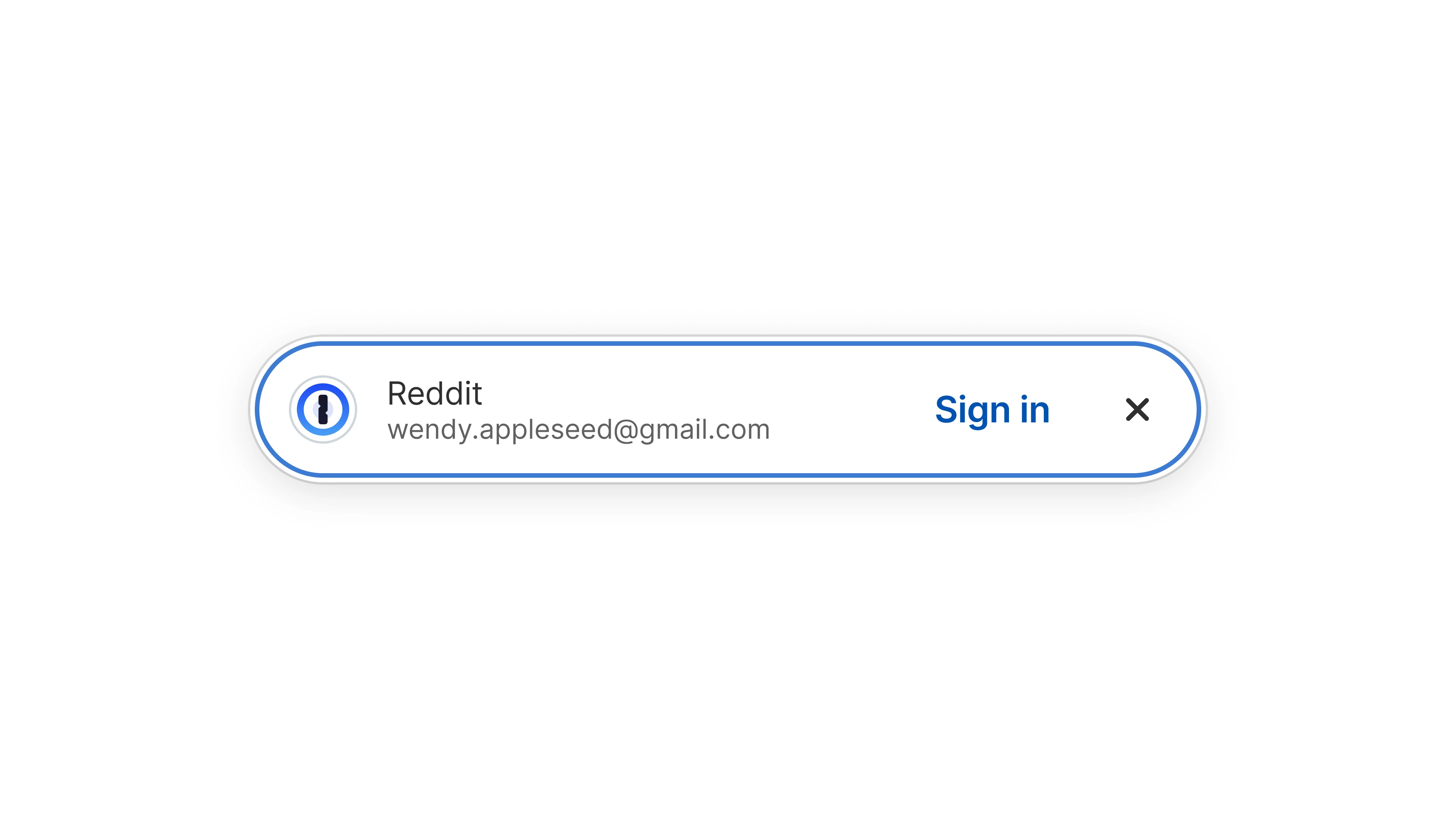
When you land on a login page, you'll see a single prompt listing every available account and sign-in method available for that site. Pick one, and 1Password will take it from there. Your password manager will handle all filling – no matter how many pages and steps it takes – by entering your credentials and one-time codes, using your passkeys, or selecting the right provider for a social sign-in. Over time, 1Password will learn which accounts and methods you prefer for each site. If a site requires a step that only you can complete, 1Password will alert you and explain what it needs.
Two under-the-hood changes are doing the work here. Better field analysis and sign-in button detection allow 1Password to read pages more accurately. And enhanced sign-in URLs solve a common problem: the address saved with a login is often the homepage or the page where you created the account, rather than the page where you actually sign in. Now 1Password sends you to the right page for more than a thousand of the most popular sites on the internet, even when that URL isn't saved on your item. We'll continue adding support for new websites!
Universal sign-in works with your existing items, so you don’t have to move or re-save anything. And if you prefer classic field-based autofill, it's staying right where it is.
Read more about how universal sign-in works.
1Password 7 is being retired
If you're still using 1Password 7, you probably received an email from us at the start of September. Here's the short version: nothing is changing until May 2027.
After that, 1Password 7 will stop syncing your changes if you have a 1Password membership. You'll still be able to open the app or browser extension and access everything on that particular device. But anything you add or edit in 1Password won't reach your other devices.
Moving to 1Password 8 costs nothing extra if you already have a membership. Install the latest app, sign in, and your synced items will be waiting. Check the system requirements first to make sure your devices are covered.
If you use standalone vaults instead of a 1Password membership, these live on your device and stay accessible in 1Password 7. You'll still want to migrate your data to a 1Password account so you keep receiving critical updates and support. Organizations that deploy 1Password through MDM or the Mac App Store should read our migration guidance.
We know some of you tried 1Password 8 at launch and switched back to 7. A lot has changed since 2021, much of it because of feedback from this Community. You have plenty of time to decide your next move, and the announcement thread is open if you want to talk through your particular setup before you migrate.
Read more in the 1Password 7 retirement announcement.
The Quick Access shortcut is changing on macOS Golden Gate
MacOS 27, also known as macOS Golden Gate, arrived on September 14. 1Password is ready for it. We tested our password manager using the macOS beta over the summer, so your items and browser extension should work as normal once you update.
One (or technically two) features will need your attention, though. Golden Gate introduces Visual Intelligence, which lets you ask Siri about what's on your screen. This new capability uses the keyboard shortcut Shift + Command + Spacebar. So does 1Password’s Quick Access. Two features, one shortcut, so something has to give.
You get to pick which. You can change the Quick Access shortcut in 1Password for Mac under Settings > General > Show Quick Access. Or you can leave it as-is and update the Visual Intelligence shortcut instead by heading to macOS System Settings > Keyboard > Keyboard Shortcuts > Screenshots > Ask Siri about active window.
If you'd rather not think about it, 1Password will handle the switchover. Starting with 1Password for Mac 8.12.38, you'll see a "The Quick Access Shortcut is Changing" message the first time you open Quick Access, and your default shortcut will become Option + Command + \ if you're on macOS Golden Gate.
Read more about the Quick Access shortcut change.
Where your AI spend actually goes
Security is only one part of managing AI adoption. Someone on your team has to pay the bill, and those bills have started arriving with numbers nobody planned for.
AI vendors moved to usage-based billing faster than most companies could build processes to handle it. If your usage is spread across departments, users, models, vendors, and agents, you're probably piecing the picture together after the money is already gone.
This article explores five ways to optimize your AI spend: stop defaulting to the most expensive model, stop letting agents run without oversight, surface shadow AI, secure AI access, and centralize AI oversight and accountability.
Read more about optimizing AI costs and reducing wasted spend.
Random but Memorable
AI models keep getting better at finding software vulnerabilities. Whether they can fix them is a different question, and it's the subject of this month's episode of the Random but Memorable podcast. Keith Hoodlet, 1Password's Director of Security Research, joined Wade Wells to work through the answer.
Keith leads Off-by-1 Labs, our security research team, and he walks through what they expected – a working patch roughly 67% of the time – and what they found instead. A clean fix came back 26% of the time. Nearly half the time, the patch changed the code and left the vulnerability exploitable.
The rest of the episode covers IBM's 2026 Cost of a Data Breach report in Watchtower Weekly, including the finding that one in four malicious breaches is now AI-enabled. #Ask1Password closes the episode with a question we hear a lot: how do you convince your family to start using 1Password when you already use it at work?
If the episode leaves you wanting the data, read why AI-generated patches still require expert human review, or go straight to the full paper and the team's tooling and datasets.
Listen to Random but Memorable wherever you get your podcasts, or watch the full interview on YouTube.
Release note highlights
Browser extension
- You can now use universal sign-in to sign in to any site with any authentication method.
- When you create a new password, suggestions now account for more site-specific requirements.
- We've fixed an issue where the browser extension could ask you to unlock immediately after you locked it.
- We've fixed a number of filling and automatic sign-in issues across websites, including one-time password fields, decoy password fields, and sites with multiple sign-in methods.
Mac, Windows, and Linux
- [Mac, Windows, and Linux] You can now have the SSH agent ask for your approval on every SSH request, in Settings > Developer > Advanced > "Ask approval for each new".
- [Mac, Windows, and Linux] 1Password is faster when you view items and browse large vaults.
- [Mac] If you manage 1Password for your organization, you can now configure the app to connect to the browser extension in additional browsers through mobile device management.
- [Mac] Autofill works better when 1Password is locked or isn't running in the background.
- [Linux] We've fixed an issue where the
onepassword8://link handler wouldn't work properly for Arch Linux and .tar.gz installations. - [Mac, Windows, and Linux] We've fixed issues with Quick Access forgetting your selected item, system authentication prompts not appearing when all your accounts were unlocked, and screen reader support on the sign-in screen.
iOS and Android
- [iOS and Android] When you create a new password, suggestions now account for more site-specific requirements.
- [iOS and Android] Your Home screen loads faster.
- [iOS] We've fixed an issue where unlocking with Face ID or Touch ID wouldn't work properly after you reset your device settings on iOS 27.
- [iOS] We've fixed an issue where your keyboard could hide the password field when you unlocked the browser extension in Safari.
- [Android] The Nearby items section on your Home tab is faster.
- [iOS and Android] We've made a number of improvements to Autofill, Credential Exchange imports, and biometric unlock after you sign in with SSO or a passkey.