Protect what matters – even after you're gone. Make a plan for your digital legacy today.
Forum Discussion

ebobinsky
1 year agoNew Contributor
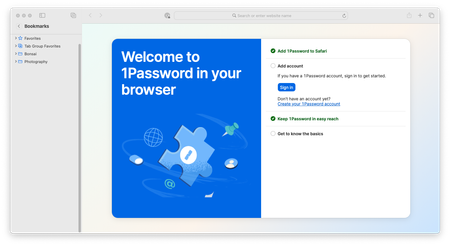
1Password on Safari keeps asking for my full sign in (secret key, etc.).
Hi, Folks- I apologize if this is already in a thread somewhere but I couldn't find it. Every time I try to authenticate 1Password in Safari it request my whole sign in- including secret key which i...

1P_Dave Moderator
1 year agoModeratorThanks for the reply. Based on what you've said, you're seeing expected behaviour in the Safari web browser, Safari web extensions (of which 1Password for Safari is one) store configuration data in the same bucket that Safari clears when you choose to clear history/cache. Clearing Safari's history/cache will reset 1Password for Safari's preferences.
You won't see the same behaviour in other browsers like Firefox and Chrome since they don't store extension data in the same bucket that gets cleared when you clear history.
If you set "Remove history items" to longer than one day and avoid clearing Safari's history/cache manually then do you still see the same issue when you do that?
-Dave


