Level up your business security with free, on-demand training and certification. Explore 1Password Academy today →
Forum Discussion

ronen
1 year agoSuper Contributor
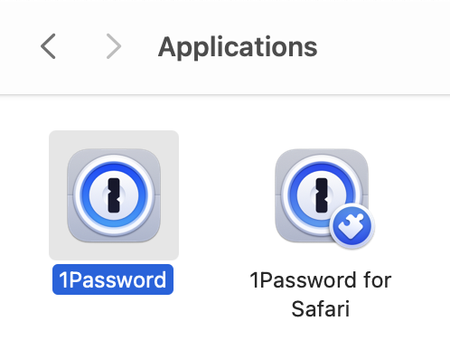
1Password OR 1Password for Safari ?
Hi.
New iMac 2024.
Do I need both 1Password AND 1Password for Safari ?
Thanks.
1Password Version: Not Provided
Extension Version: Not Provided
OS Version: Not Provided
...

jorhett
1 year agoFrequent Contributor
once you install the desktop app and the browser extension, you'll see all of your items in 1Password on your new Mac as soon as you sign in.
That was true for over a decade, but it hasn't been true for over a year now. ronen before you find yourself struggling with something that everyone else knows:
The safari extension always reports it is locked, even when the desktop app is unlocked. You have to disable the extension and re-enable it to get them in sync. Even then, fields in forms on the page will claim it's locked and direct you to unlock it -- even though both the app and the icon in the window are unlocked and show passwords.
Agilebits will send you off to uninstall and reinstall everything, but trust me that it's not your mac. It's 100% replicable with a brand new macbook and with nothing else installed. Boot a brand new macbook, install 1Password, put the macbook to sleep, wake it up, and you'll see this problem. It's been getting progressively worse, not better.




