Protect what matters – even after you're gone. Make a plan for your digital legacy today.
Forum Discussion

0x620x6d
1 month agoNew Contributor
How do I clear or disable the Quick Access "History"?
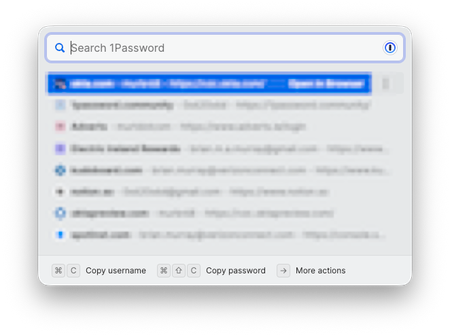
1Password for Mac 8.11.20. How do I clear or disable the Quick Access "History"? I am not sure if this is a new "feature" but I do not remember seeing it in the past. I find it quite annoying if it...

1P_Dave Moderator
1 month agoModeratorHello 0x620x6d! 👋
Welcome to the community! 1Password's Quick Access feature doesn't retain a history, instead it tries to suggest items that are relevant to the app or website that's currently active on your Mac.
Can you check to see if you might have accidentally linked the items that you're seeing to Chrome:
- Open and unlock the 1Password app.
- Find one of the items that you see incorrectly suggested in Quick Access when viewing Google.com.
- Check to see if Chrome is a linked app:
If it is then edit the item and remove Chrome as a linked app. Having Chrome as a linked app means that the item will be suggested anytime that you have Chrome open.
Let me know if you don't see Chrome as a Linked app in the items that you see incorrectly suggested in Quick Access.
-Dave
Issue=FS-388


