Protect what matters – even after you're gone. Make a plan for your digital legacy today.
Forum Discussion

0x620x6d
1 month agoNew Contributor
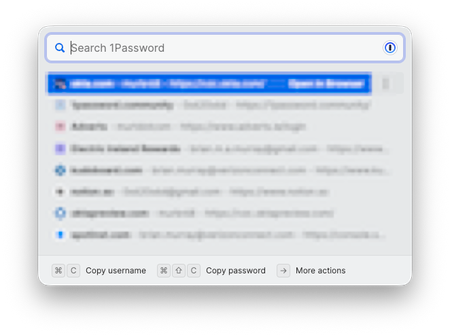
How do I clear or disable the Quick Access "History"?
1Password for Mac 8.11.20. How do I clear or disable the Quick Access "History"? I am not sure if this is a new "feature" but I do not remember seeing it in the past. I find it quite annoying if it...

1P_Dave Moderator
1 month agoModeratorThank you for the reply. There is currently a bug that prevents 1Password from reliably filling into Chromium browsers like Chrome. This bug is what is causing the "1Password can't verify that Google Chrome should have access to your item" message that you're seeing. That message should not be appearing for a supported browser like Chrome. Our development team is investigating the issue alongside our friends at Apple.
For the time being, these are the best workarounds for Chrome:
- Use 1Password in the browser (the browser extension) to fill your login information into Chromium browsers instead of using Universal Autofill: Get to know 1Password in your browser
- Use a non-Chromium browser like Firefox if you'd like to continue to use Universal Autofill. I know that this won't be possible for most people but I wanted to mention it just in case it helps.
Let me know if you have any questions.
-Dave
Issue=FS-388


