Level up your business security with free, on-demand training and certification. Explore 1Password Academy today →
Forum Discussion

vjcinajr
3 months agoNew Contributor
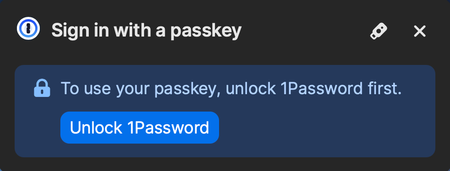
Invalid pop-up asking for a passkey
I'm on macOS 26 using the Safari web browser. Every time I go to chase.com, (and a few other web sites) 1Password presents the following pop-up. As far as I can tell, searching through chase.com...

Cheesecake
2 months agoNew Contributor
Try this if it applies to this login for Chase:
- In 1Password app go to Watchtower
- Select Category: "Passkey available > Show Items >"
- Scroll to and click on your saved Chase login
- In the right side pane you should see a purple section indicating "Passkey available" (see pic)
- Click on "Ignore". Done.