Protect what matters – even after you're gone. Make a plan for your digital legacy today.
Forum Discussion

TomWolsky
4 years agoSuper Contributor
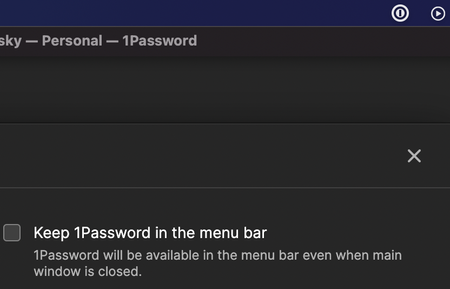
Two 1Password icons in Finder menu
I had switched off the Finder icon at startup.I then installed 1P for Safari. I went to turn the Finder on in 1Password preferences when I noticed there already was an icon there. I checked on the F...

1P_Rob 1Password Team
4 years ago1Password TeamHey, TomWolsky. I'm sorry for the delay here. Did you get it figured out? In your second screenshot the one on the right is from 1Password 7. If you right-click or control-click on that icon, you can select "Quit 1Password Completely" and it should go away. If it comes back there's something still lingering on your system and we can help you clean that up.



