Protect what matters – even after you're gone. Make a plan for your digital legacy today.
Forum Discussion

jigoe
4 months agoNew Contributor
Unable to change calendar/date format to EU
Hello. I am a Family Organizer trying to enter all our family's passport details. We are all European, but all CALENDAR/DATE fields in 1Password only accept and automatically display American date fo...

jigoe
4 months agoNew Contributor
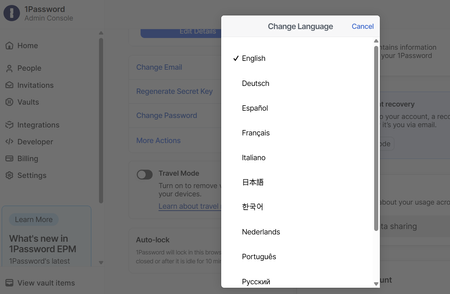
Hi Dave, thanks for getting back. Yes, I am using 1Password on a PC/Windows machine. Attaching a picture as requested below. --> I want to enter all of our family's European passport details, but when I choose the "Passport" item and manually populate all pre-defined fields on the screen, the fields where you insert "Date of Issue" and "Date of Expiry" are hardcoded to accept US date format only, ie. MM/DD/YYYY, which means that all of my family members will think their passport will expire, for example, on 4th February rather than 2nd April...And as a result, also the auto-reminder is then incorrect (from a European perspective). If we can solve this by simply changing my Windows settings, that would be awesome...Picture attached below. Thanks again.



