Our community is getting an upgrade on July 2nd! Learn more in the FAQs →
Forum Discussion

Anonymous
4 years agoWhy is 2FA so frustrating in 1PW 8/ Family Membership?
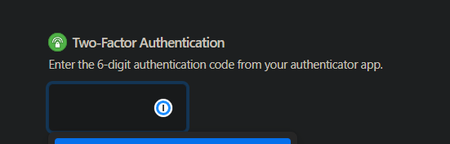
I turned on 2FA through Cisco Duo app because I love security and keeping my data safe, but this is seriously hair-ripping.
Every time I log into any browser, it asks me for 2FA code. It ...
Anonymous
4 years ago1P_PeterG Former Member
After lots of testing, I have discovered the root cause. 1Password.com does not save 2FA authentication as cookies. It saves them as localStorage files (or indexedDB). I wish the documentation was clear about this as the Chrome extension "Cookie Bro" wipes these files on every startup. There's a setting that controls it which will solve my problem, but now I have to compromise my privacy to get 1PW.com to work properly. :(
EDIT: Guess they did mention here it but it says "Local Storage", instead of "Localstorage" which changes the meaning entirely.
https://support.1password.com/1password-browser-security/
I've asked the dev of CookieBro if there's any way he can get a whitelisting system for local storage working for this.


