Our community is getting an upgrade on July 2nd! Learn more in the FAQs →
Forum Discussion

nciiis
2 years agoOccasional Contributor
1Password CLI couldn't connect to the 1Password desktop app
[ERROR] 2024/03/11 11:25:40 connecting to desktop app: 1Password CLI couldn't connect to the 1Password desktop app. To fix this, update the desktop app to the latest version. If you're still having t...

Laeek
2 years agoNew Contributor
Facing the exact same issue:
❯ op signin

[ERROR] 2024/06/12 12:51:21 connecting to desktop app: 1Password CLI couldn't connect to the 1Password desktop app. To fix this, update the desktop app to the latest version. If you're still having trouble connecting, restart the app. If you're using version 8.10.12 or earlier of the app, the 1Password CLI binary must be located in /usr/local/bin/op.
macOS Sonoma Version 14.5
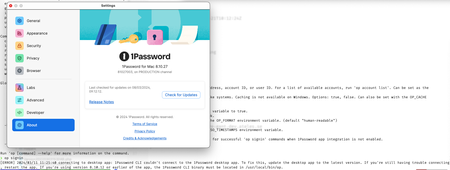
1Password for Mac 8.10.34 (81034040)
$op --version 2.29.0
have tried all these steps:
- restarted the app
- reinstalled the
opcli - reinstalled the macOS desktop app
- tried different terminals (iterm, vscode integrated)
- tried re-checking all the developer options (like Integrate with 1Password CLI)
- restarted my machine




