Level up your business security with free, on-demand training and certification. Explore 1Password Academy today →
Forum Discussion

ronen
2 years agoSuper Contributor
"Cleaning" 1Password
I'm using 1password for a very long time.
It seems that Over the years some irrelevant data has been accumulated,
How can I remove irrelevant data?
For example :
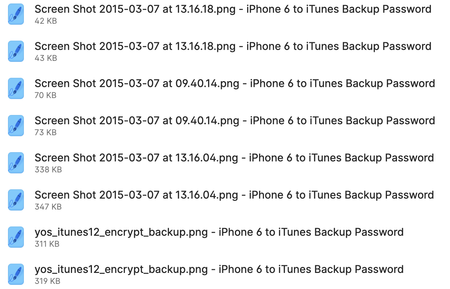
Same login with lots of pass...

1P_Dave Moderator
2 years agoModeratorHello ronen! 👋
Thanks for reaching out. There isn't a way to tidy your items automatically, you'll need to manually tidy them by editing them using the 1Password for Mac app:
- Open and unlock 1Password.
- Click on the item that you'd like to edit and then click Edit.
- Click on the red remove icon next to any fields or files that you'd like to remove.
- Save the item.
Older password will usually be stored in an item's password history which isn't normally visible so they can just be left as is without causing any clutter or problems. Let me know if I misunderstood the issue. 🙂
-Dave


