Protect what matters – even after you're gone. Make a plan for your digital legacy today.
Forum Discussion

dqualms
6 months agoNew Contributor
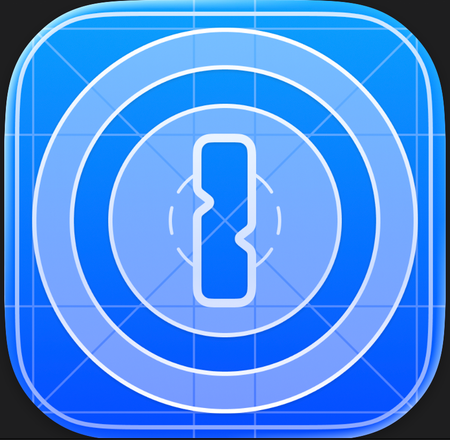
New macOS Tahoe app icon is difficult to "read"
I find it difficult to "read" the new app icon in macOS Tahoe. The lighter parts aren't very distinguishable from the darker parts make it a messy blueish blob (when not blown up like below). All the...

1P_SimonH Community Manager
6 months agoCommunity ManagerHi dqualms,
Did you recently switch to using beta versions of 1Password? This blue icon indicates you're running a beta version of 1Password and is intended to make it clearer to users which version they're running. The regular, non-beta version ("Production") of 1Password still has the usual icon.
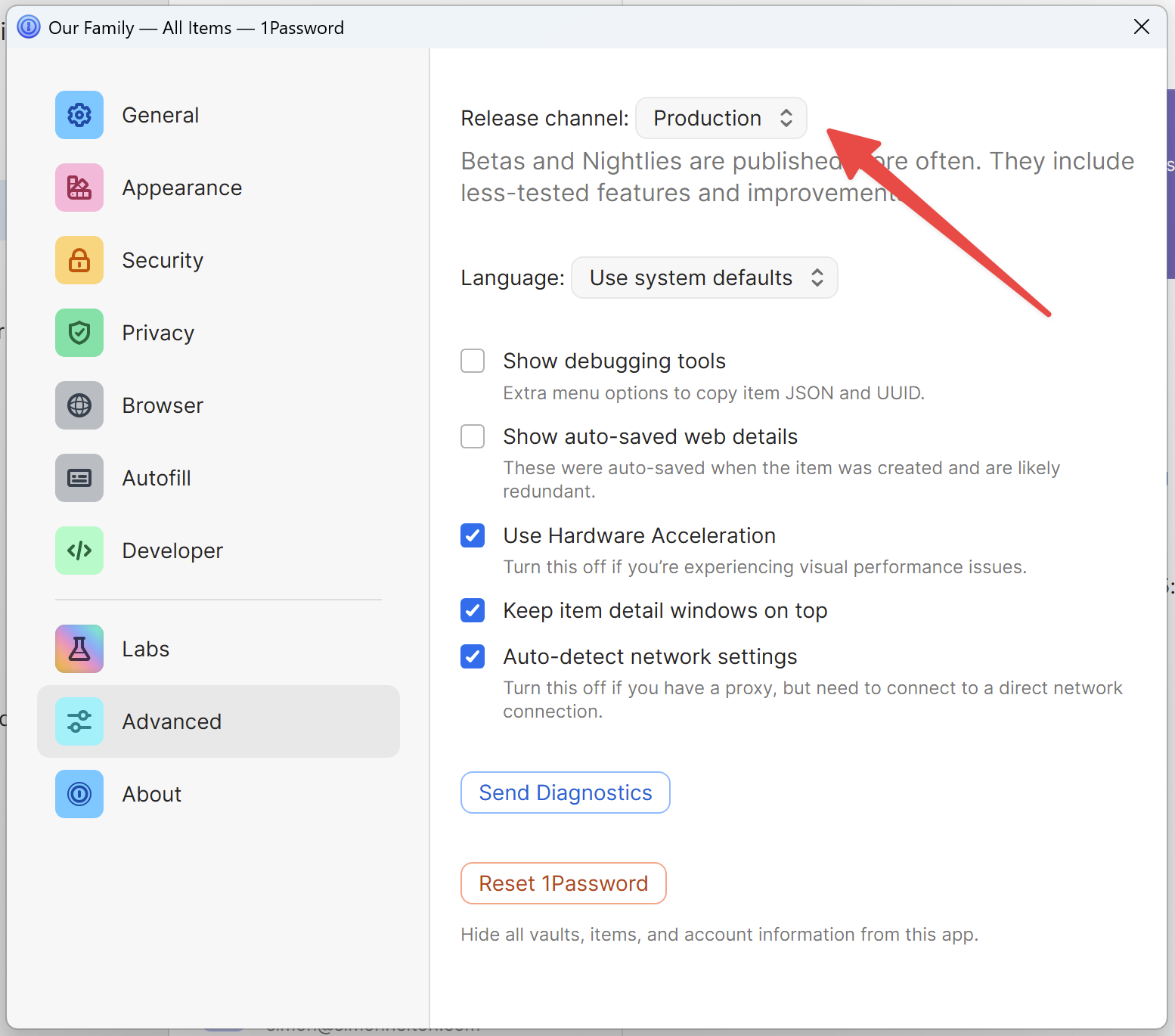
If you want to switch to the Production version with the familiar icon, go to Settings -> Advanced and select Production from the drop down menu at the top. Note that if you're running a beta version newer than the current Production version, 1Password won't update until a new Production version comes out and that's when the icon will go back to normal.
Let me know if anything is unclear or you have additional questions!