Level up your business security with free, on-demand training and certification. Explore 1Password Academy today →
Forum Discussion

Anonymous
4 years agoWhy is 2FA so frustrating in 1PW 8/ Family Membership?
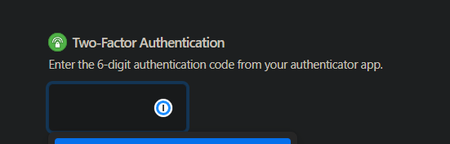
I turned on 2FA through Cisco Duo app because I love security and keeping my data safe, but this is seriously hair-ripping.
Every time I log into any browser, it asks me for 2FA code. It ...
Anonymous
4 years ago@mia I'm assuming you have the 1Password browser extension installed. I would try disabling all other extensions temporarily to see if that makes any difference.
Authy is my preferred authenticator app. That error message means that there is already an Authy account associated with the phone number you gave and that it is currently set to not allow new devices to be added. I'm not sure I would recommend it at this point, but you can recover access to that Authy account by following these instructions:
https://support.authy.com/hc/en-us/articles/115012672088-Restoring-Authy-Access-on-a-New-Lost-or-Inaccessible-Phone
There is no time-out for 1Password 2FA. It is permanent per device until the app is reset, a browser cookie is deleted, the device is deauthorized or the 2FA is reset in your 1Password profile.
Google Authenticator is not a safe option because losing or resetting your phone results in the loss of your 2FA tokens. I wouldn't use Microsoft Authenticator because someone with access to your Microsoft account can recover all your 2FA tokens. If you're on Android, Aegis is a good option. If not, do you have another phone number you could use to set-up Authy?


