Level up your business security with free, on-demand training and certification. Explore 1Password Academy today →
Forum Discussion

1P_Blake Community Manager
1 day agoCommunity ManagermacOS AutoFill is now in public beta!
Hey everyone!
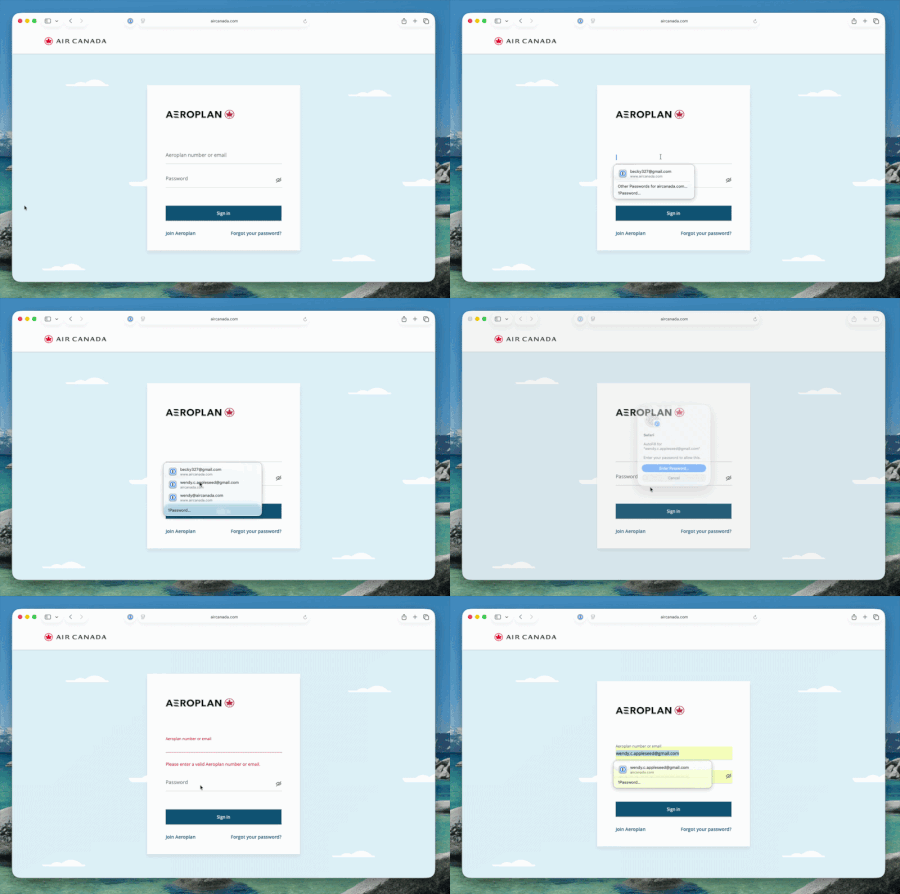
We're excited to share that native macOS AutoFill is now available in public beta for 1Password. This has been one of the most requested features for years, and we're now at a point w...

jalanh
1 day agoOccasional Contributor
I've gone to settings and enabled 1password in the autofill. I opened safari and disabled the safari 1password extension. I browsed to a site where I have a username/password stored in 1password. I clicked on the key icon and selected '1password...' and I get this dialog box.
Did I miss something in the setup?

1P_Dave Moderator
1 day agoModeratorThanks for helping us test the new feature! If you lock and unlock the 1Password app one more time to load the latest feature flags, you shouldn’t see the “Native macOS AutoFill is under exploration” message anymore. But let me know if you still see the same message.
-Dave
- jalanh17 hours agoOccasional Contributor
Thanks, that did the trick!