Our community is getting an upgrade on July 2nd! Learn more in the FAQs →
Forum Discussion

martinewski
4 years agoOccasional Contributor
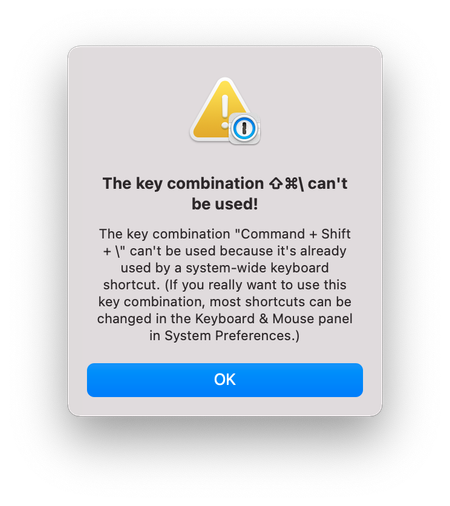
The key combination "Command + Shift + \" can't be used because it's already used
Hello folks.
After several problems arose in the last few weeks on my Mac, I decided on a clean install of macOS Monterey today.
After reinstalling 1Password and logging into my account, I can'...

Jack_P_1P 1Password Team
4 years ago1Password TeamHi martinewski:
I'm sorry you had to reset your Mac, I know how annoying that is. :( The good news is I'd be happy to help get your shortcuts up and running again!
This is something that we've been investigating, and haven't tied down just yet, but these steps do tend to get everything working again. Just as a note, this will clear all 1Password preferences, so any changes you've made will be set to default, as well as ensure you have your account password, as fingerprint unlock will be disabled.
- If 1Password is running, right-click the 1Password icon at the top right of your macOS menu bar, and choose Quit 1Password Completely.
- Open Finder and go to:
~/Library/Containers/com.agilebits.onepassword7/Data/Library - Locate
Preferencesand move it to Trash. - Go to:
~/Library/Group Containers/2BUA8C4S2C.com.agilebits/Library - Locate
Preferencesand move it to Trash. - Open Terminal and run the following command:
killall cfprefsd - Open and unlock 1Password, and confirm that your default keyboard shortcuts are in place.
Let me know how that goes!
Jack